Protect your art on Markmy: the new settings
Choose your watermarks, ask AI crawlers to skip your work, and decide who can open your portfolio.
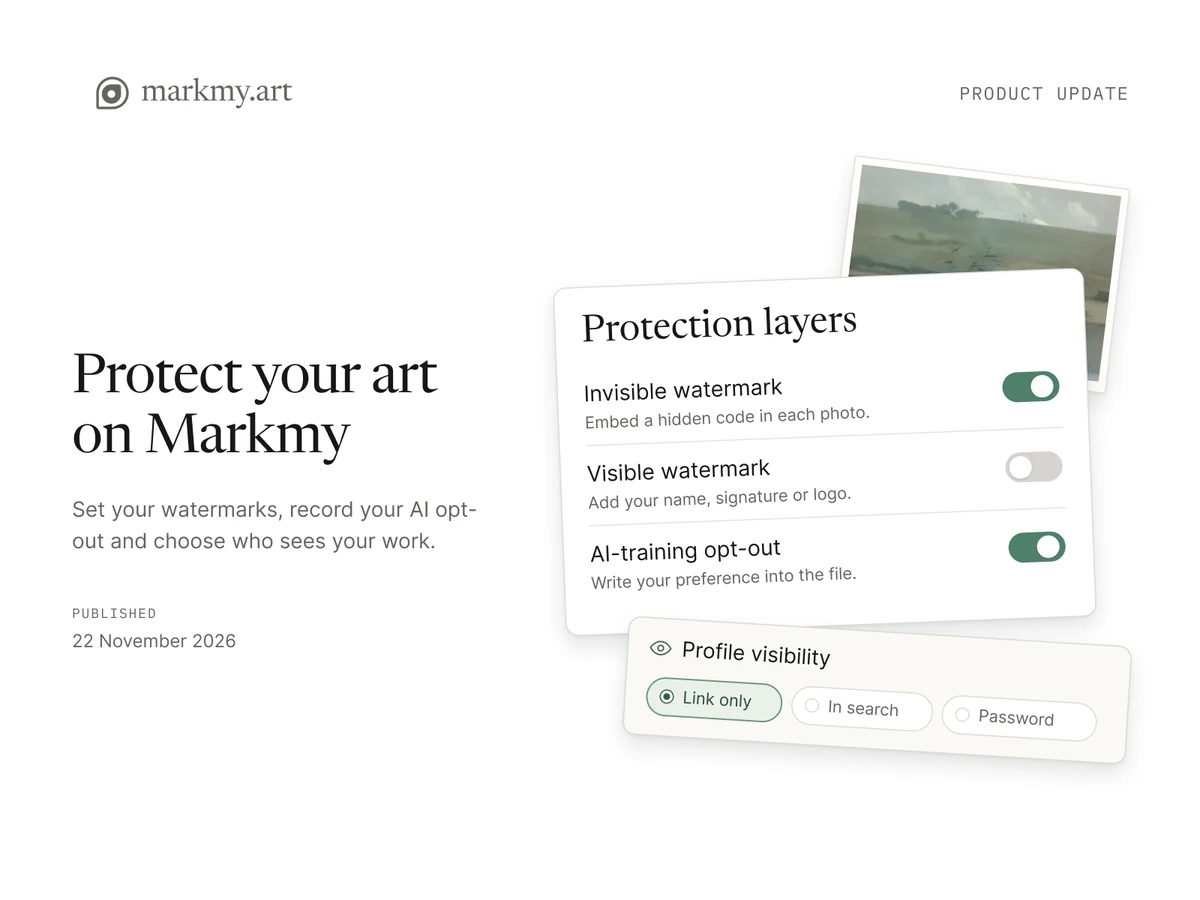
You can share a painting without putting lettering across it and still give someone a way to find its artist. Markmy turns on an invisible watermark by default. Whether you want a visible signature, too, is up to you.
Start with the three switches
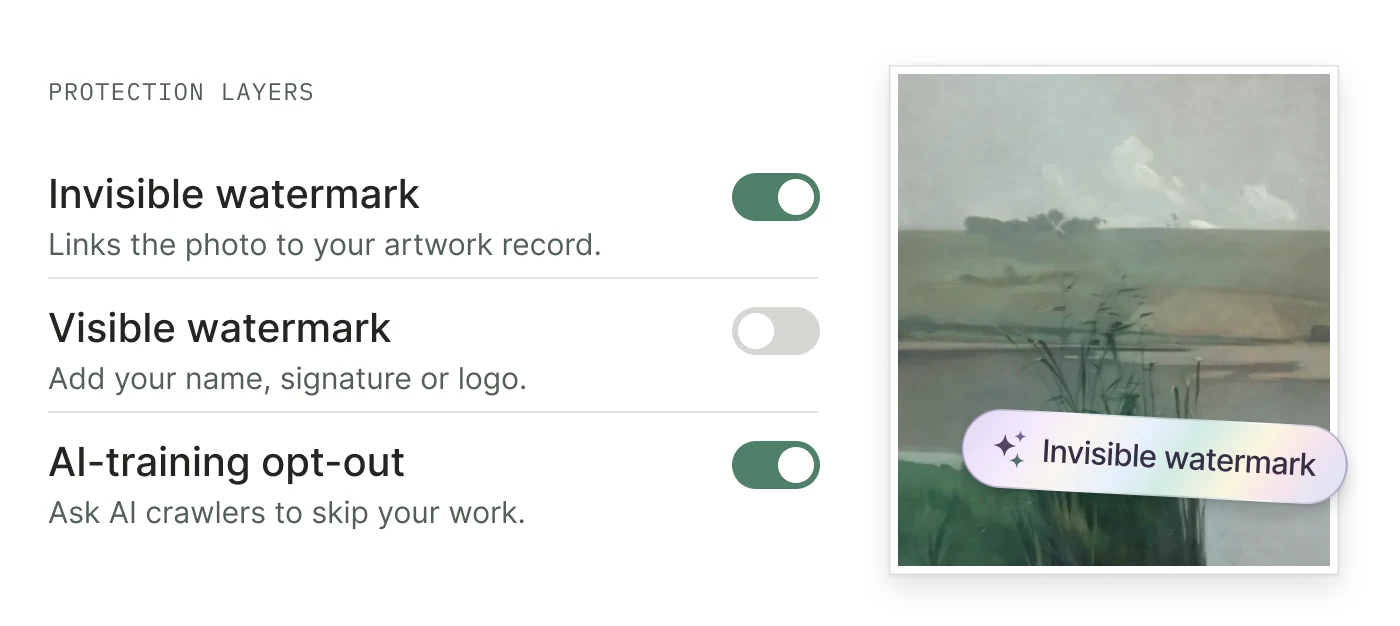
Open Settings → Protect your art. If you manage artists for a gallery or studio, open the settings for the artist you want to edit. The painting beside the switches previews your watermark choices. Click Save to apply your choices.
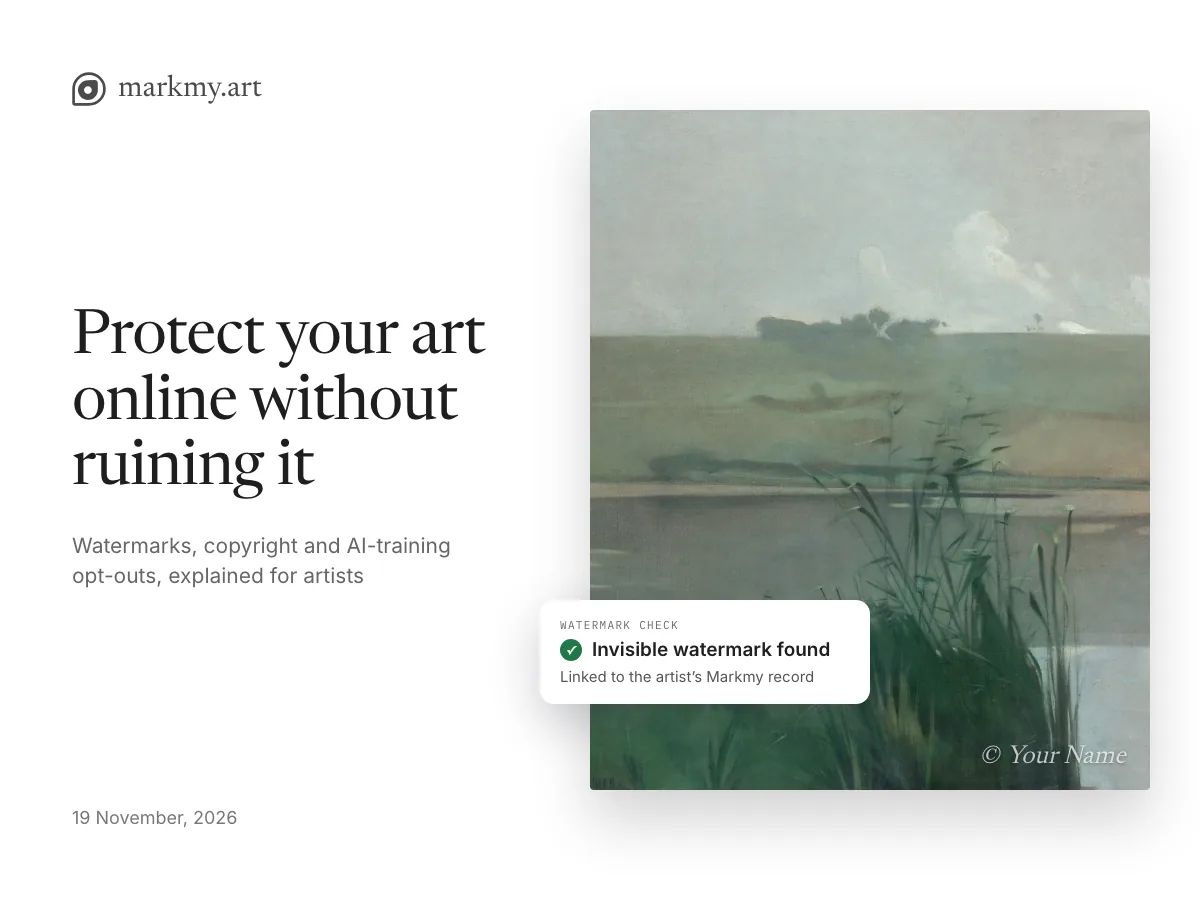
- Invisible watermark is on by default. If a shared photo still carries the mark, Markmy’s checker can identify the artist.
- Visible watermark is off until you choose to show a name, signature or logo on your public photos.
- AI-training protection is on by default. It asks AI crawlers to skip your images and pages.
How a shared photo leads back to you
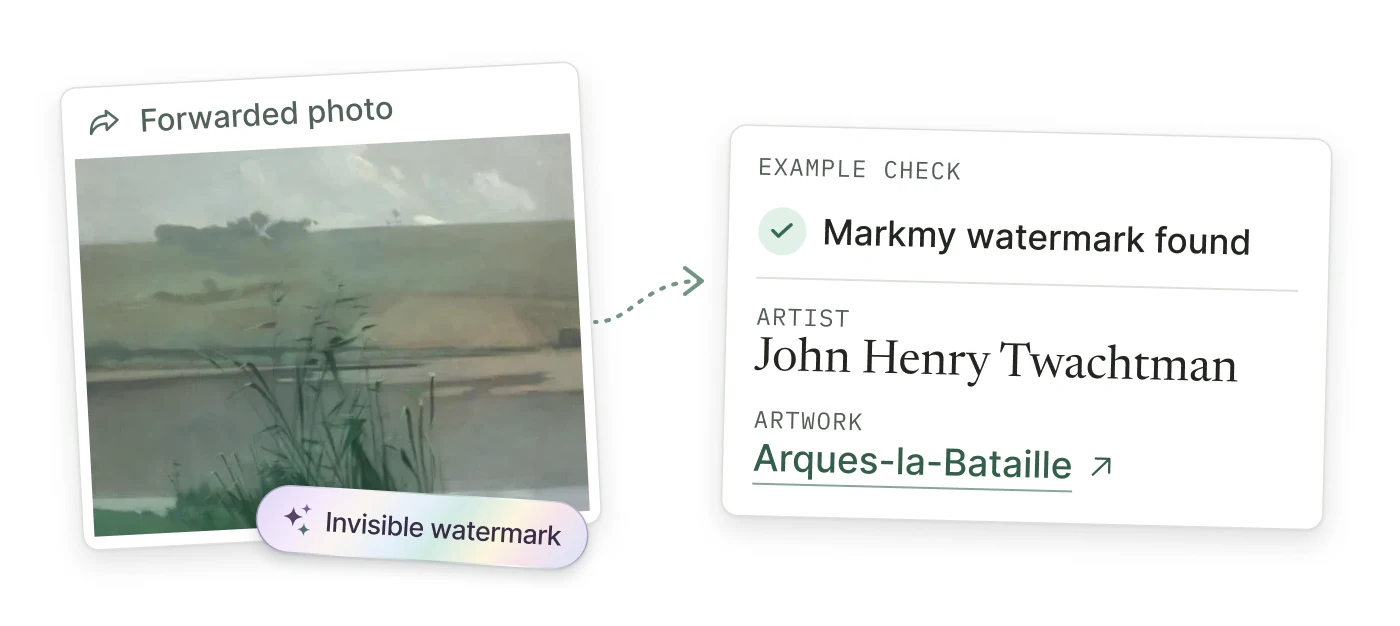
Imagine someone forwards a screenshot of your painting. The caption is gone, but your name can still be found. By default, Markmy embeds a code linked to you in each artwork photo you upload or import once it’s processed. The photo needs to be at least 256 pixels on its shortest side to carry the mark.
The checker can often recover that code from a screenshot, a resized copy, or even a clear photo of a screen displaying the watermarked image. A match shows your artist name and links to the artwork when its page is public. A heavy crop or blur can make the code unreadable.
Markmy tested these four techniques together on 81 artworks. Meta’s Pixel Seal embeds the code, and perceptual masking keeps the changes hard to see. BCH error correction helps recover a damaged code. The checker can also recognize a faint reading by comparing it with codes Markmy has issued.
Put your name in the corner
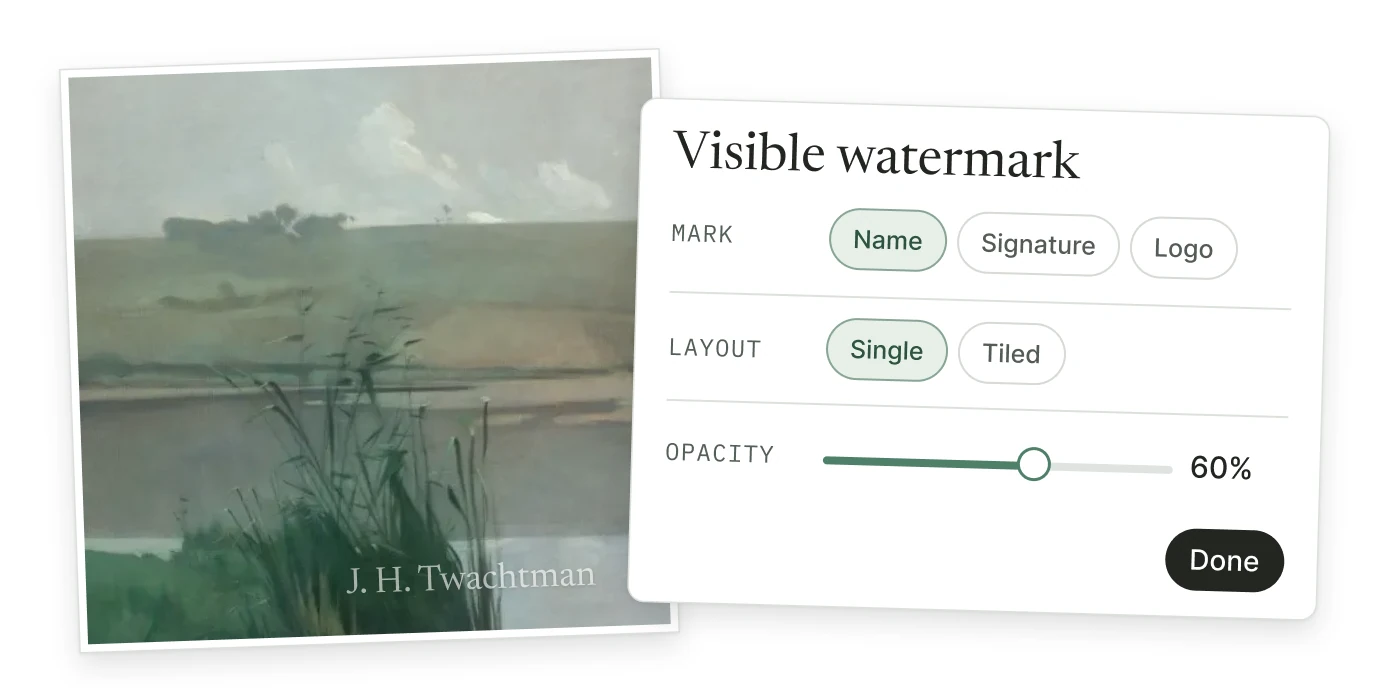
Turn on Visible watermark to open the editor. Choose Name, enter the lettering you want, and select Single. Pick a corner and lower the opacity until the name is easy to read without drawing your eye away from the painting.
For a repeating mark, choose Tiled. You can also upload a logo or use the signature from your certificate settings if you have one.
Click Done, then Save. Markmy applies the change to your existing photos in the background. You can leave the page and keep working.
Choose who can see your portfolio
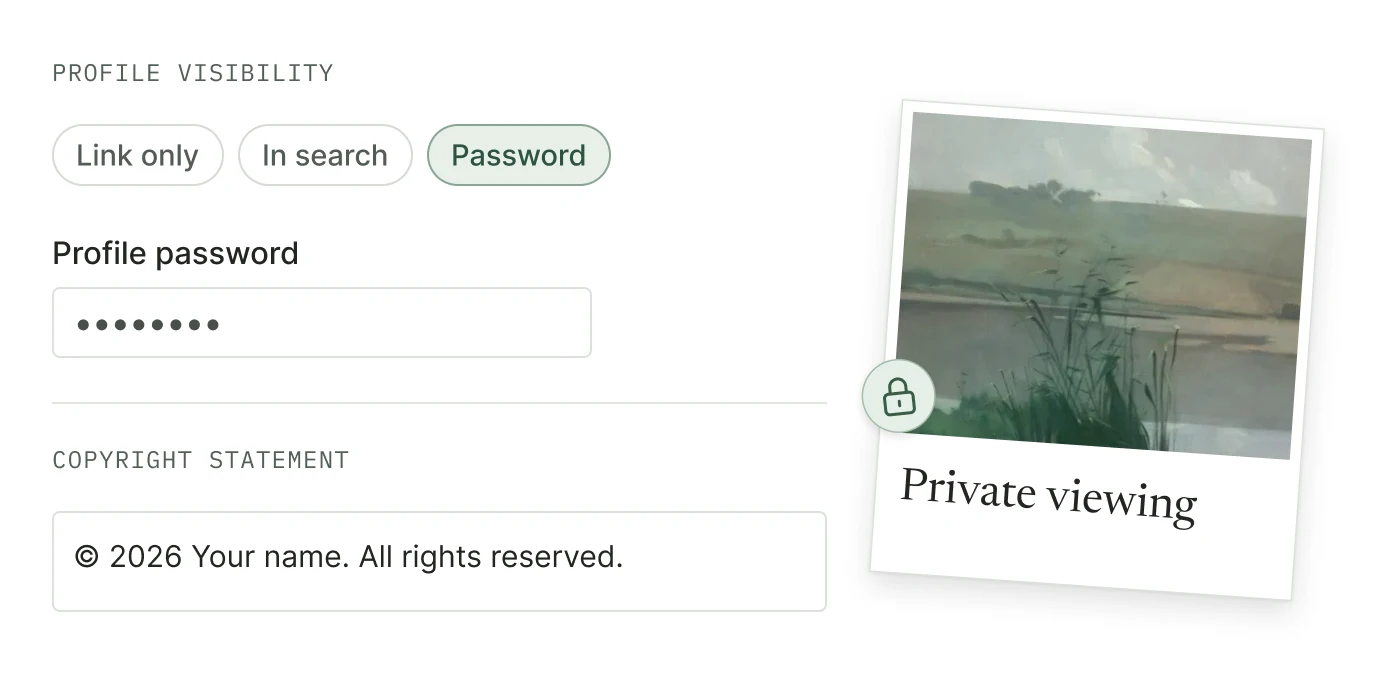
Link only is the default. Anyone you send the link to can open your portfolio. Choose In search to let people find it through search engines. For a private viewing, choose Password and give your collector the link and password.
Your copyright statement sits just below the visibility choices. Keep the suggested notice or write the wording you want in your public footer. Click Save when you’re ready.
What your collector sees
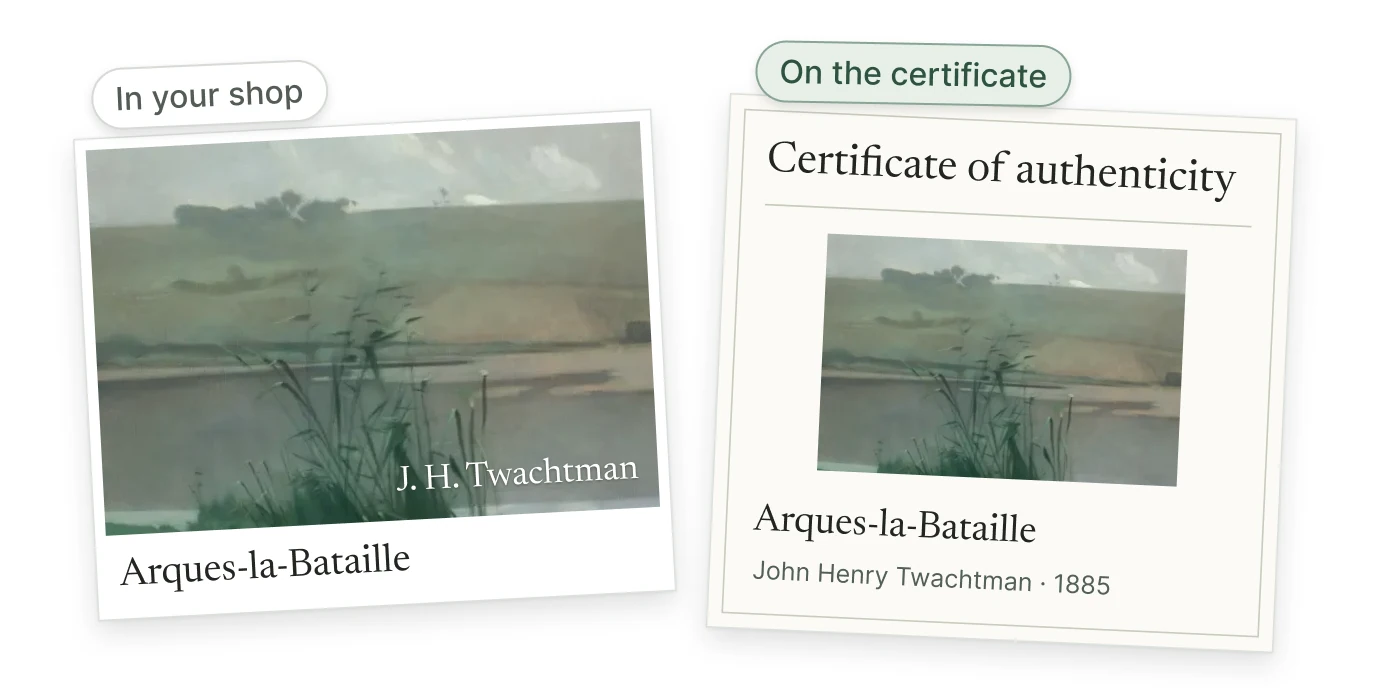
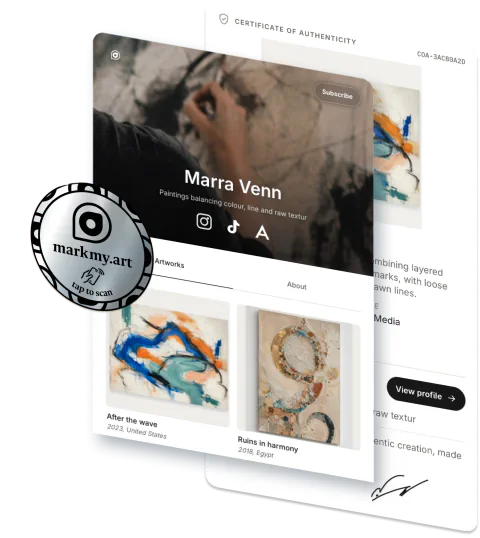
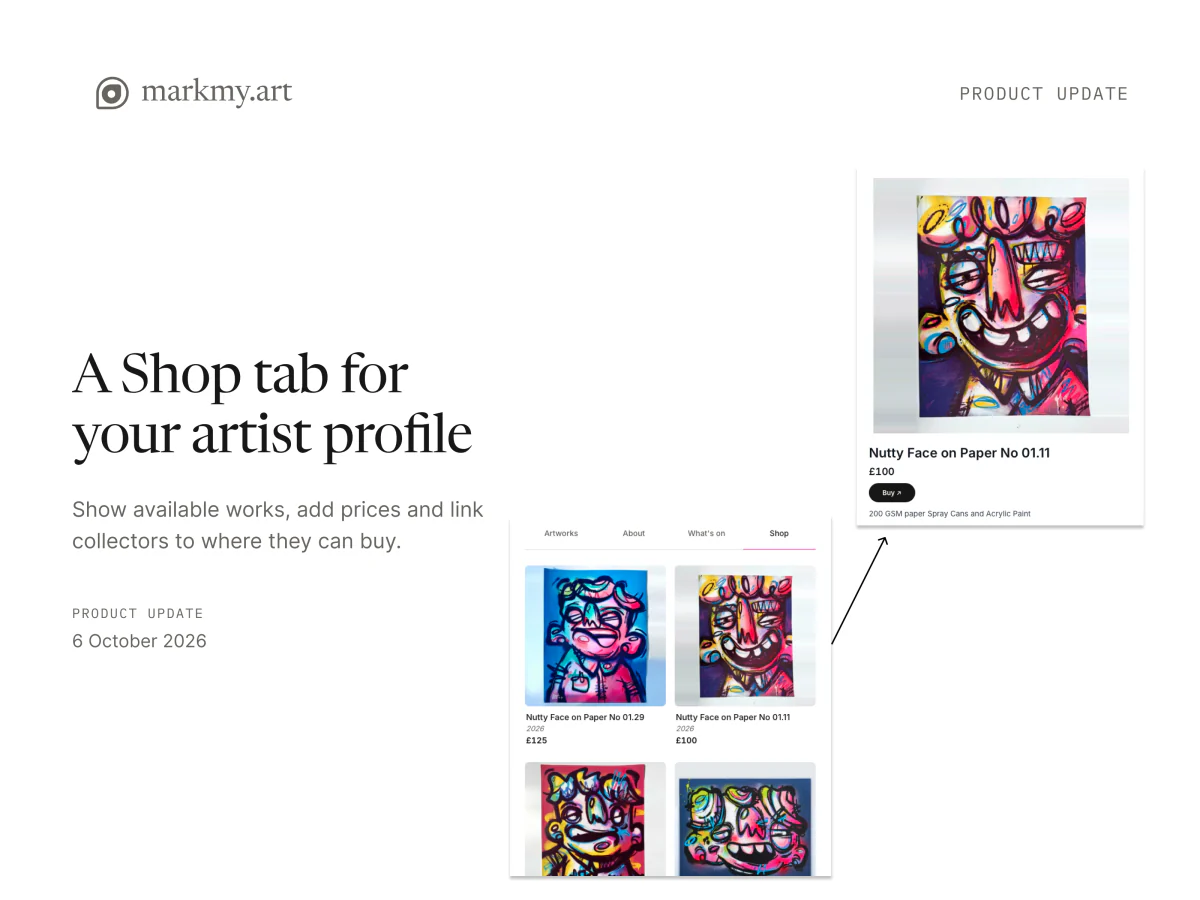
A collector opens your shop and sees your name in the corner of a painting. Later, you send them the certificate for that piece. It names you as the artist and shows the painting without the lettering you added for the shop.
Planning a private show? You can password-protect the portfolio and still give a buyer the certificate. They can verify it using its link or a linked NFC tag.