Artist profiles you can customise
Choose your profile's appearance, arrange your artworks, and add the stories, images and links that help people understand your practice.
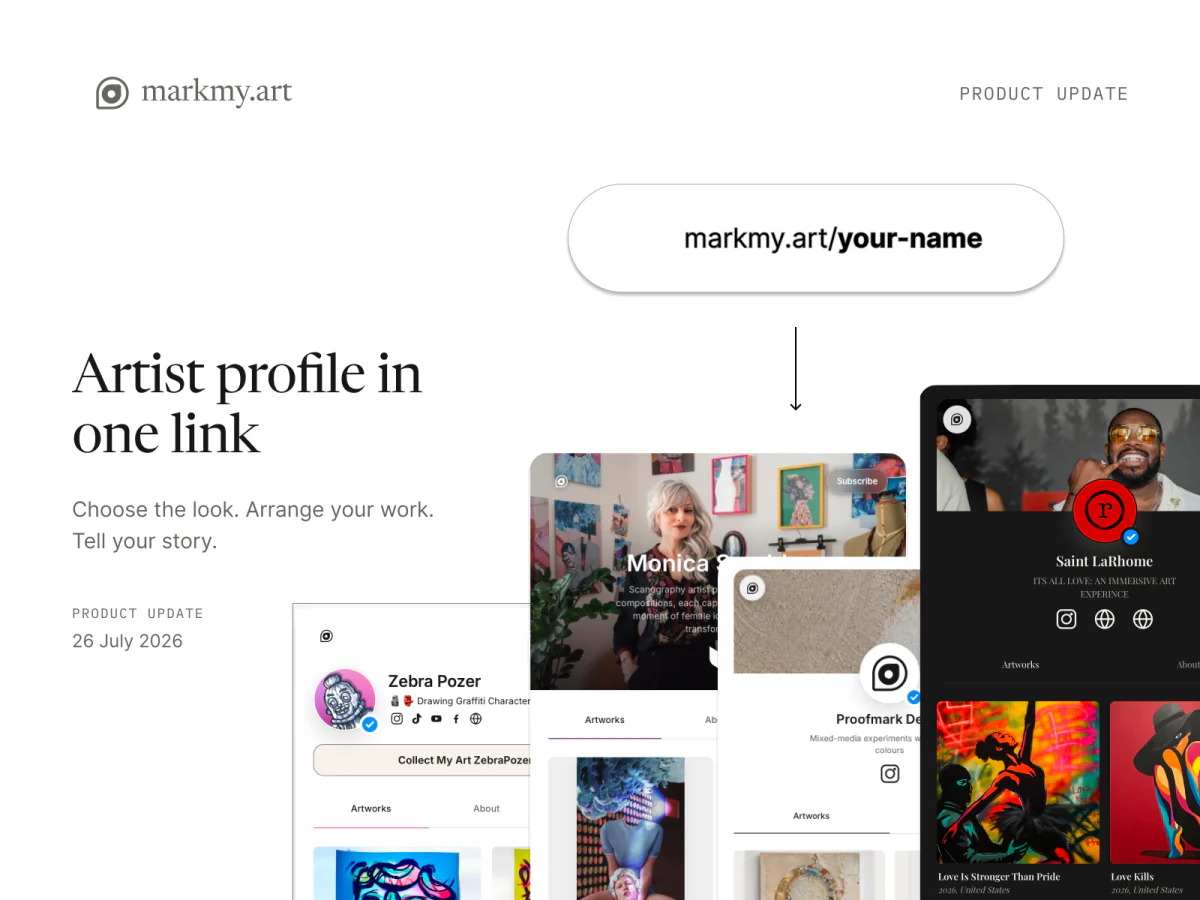
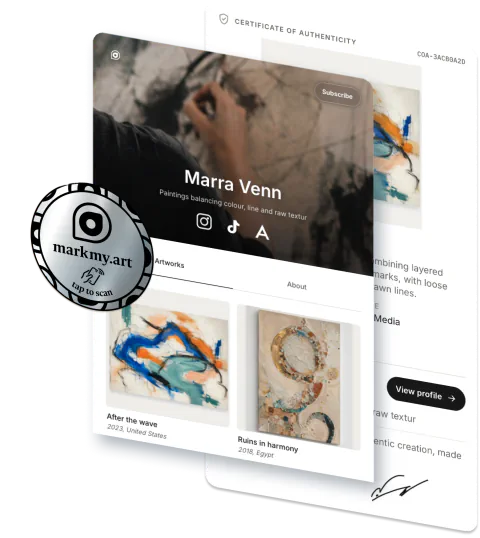
A public artist profile brings your artworks, biography and links into one place. Choose its appearance and decide what people see when they open it.
Use the page after an exhibition, in your studio details or as the starting point for a conversation about your art. The editor lets you shape the header, artwork collection, About section and Highlights before sharing the page.
Set the tone of your page
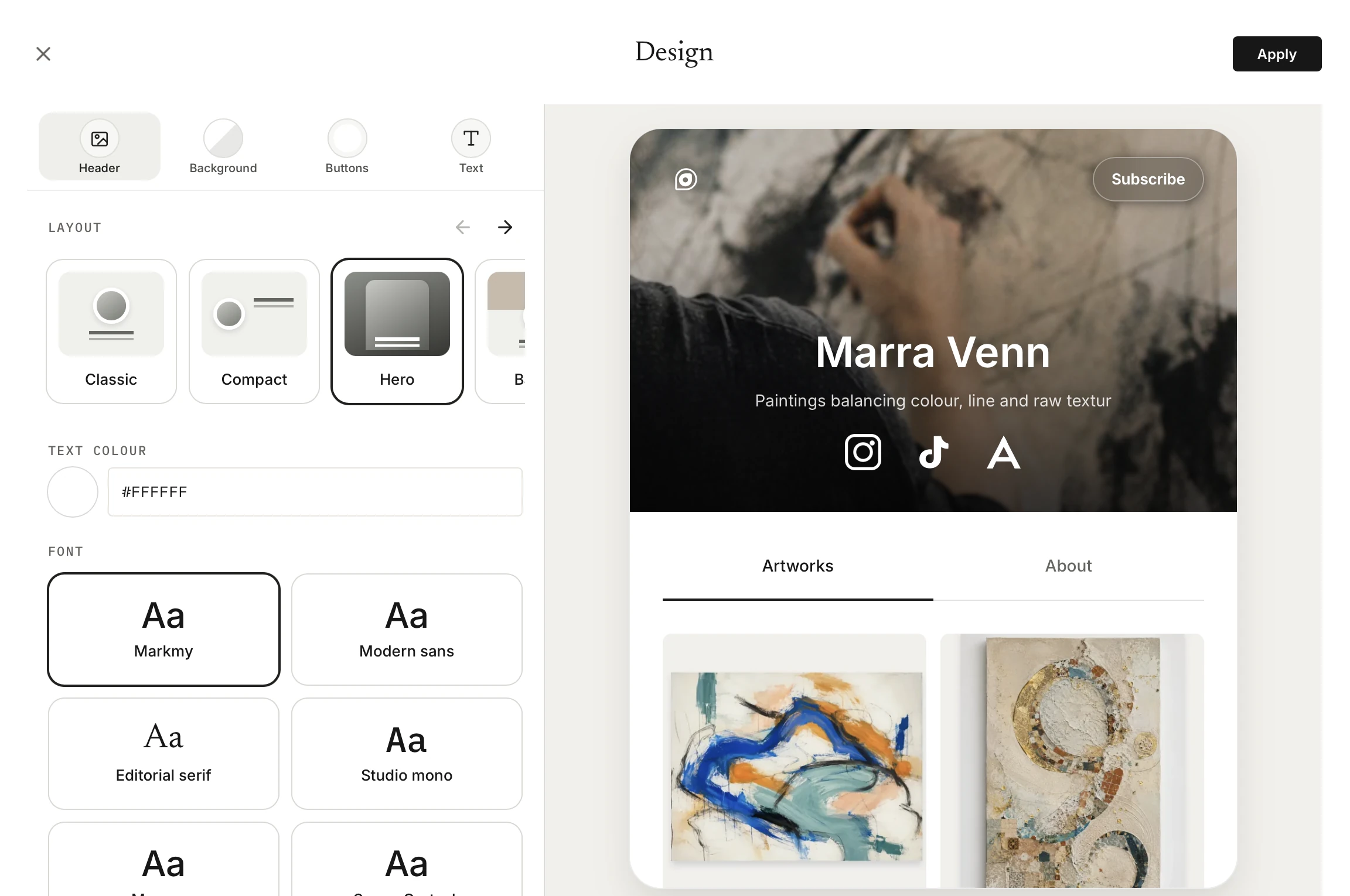
Choose a header layout, typeface, accent colour, wallpaper and light or dark appearance. Adjust buttons and text so the page reflects your practice.
Your artist name, portrait, biography and links remain part of your shared identity. Keep those details current, then choose how the page presents them.
Choose the work people see
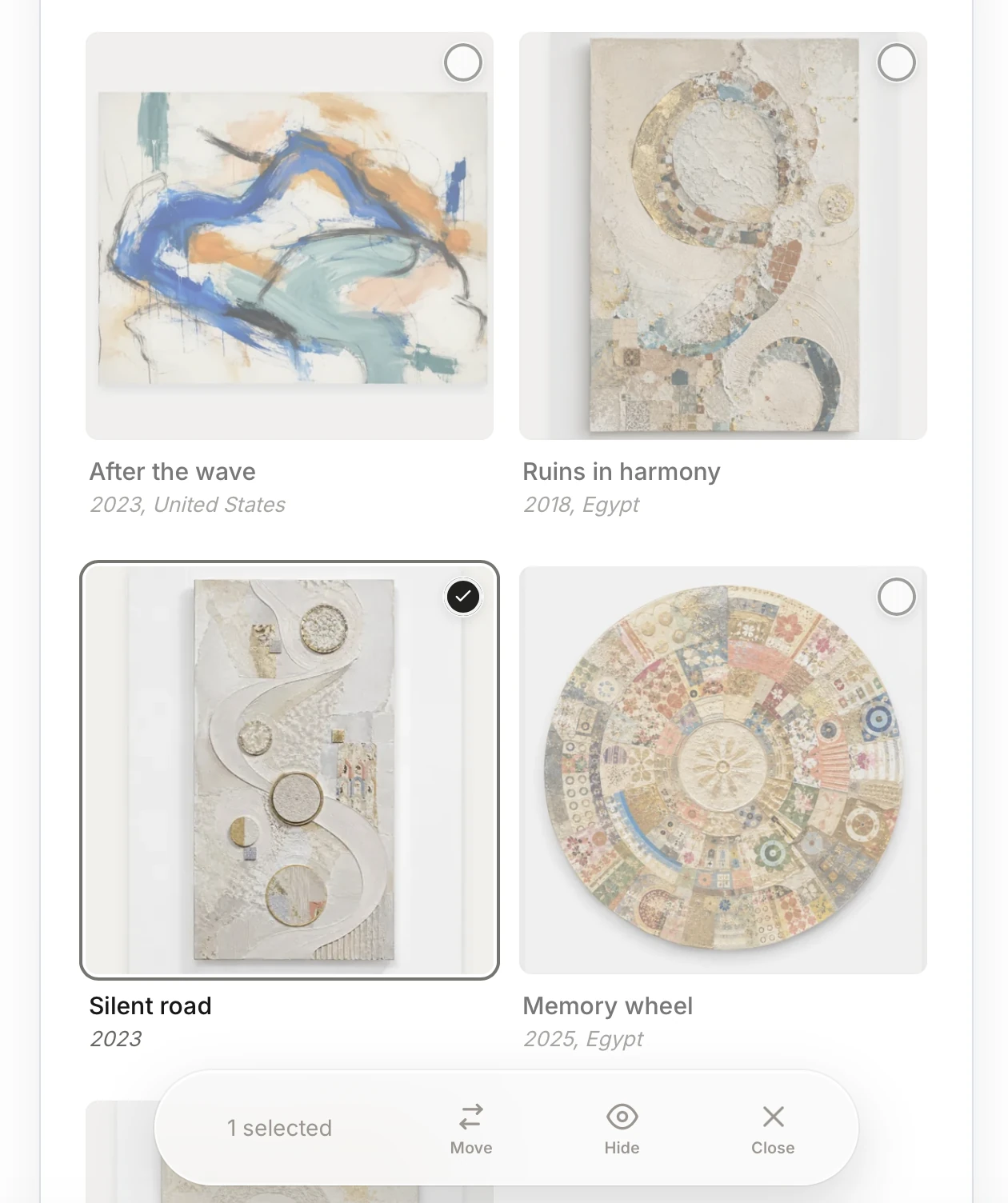
Use the automatic collection or select artworks manually. Pin or reorder pieces to lead with the work that best represents your practice.
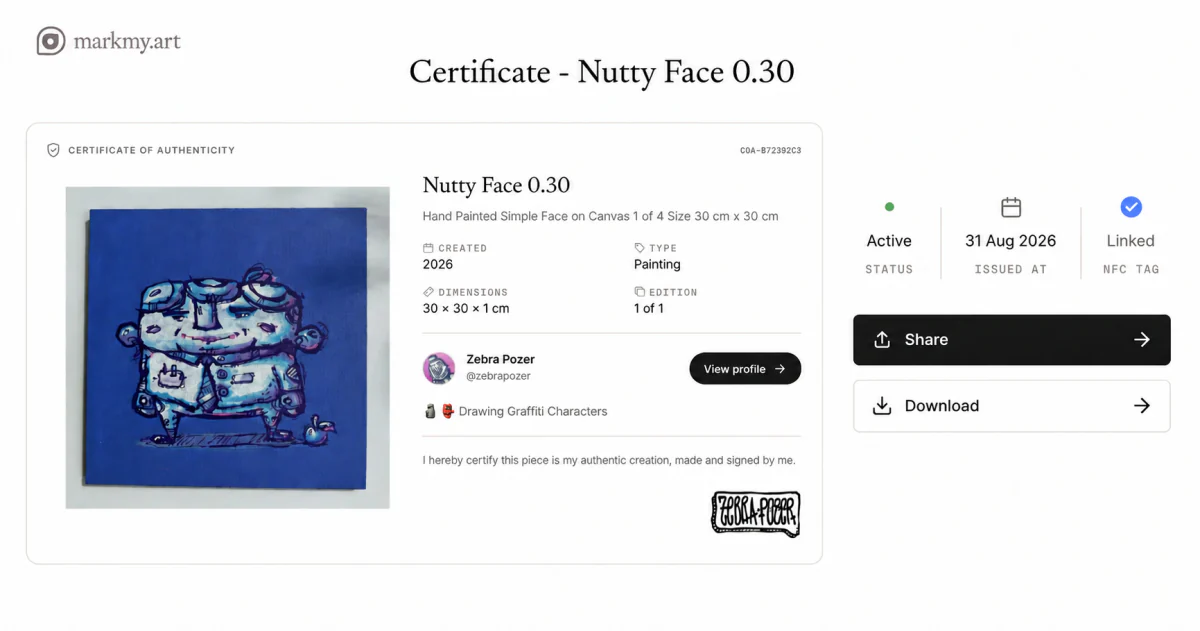
Only eligible public artworks appear on the public page. You can keep a piece in your studio records without showing it in the profile. Each visible work has its own page where visitors can read its details and see its certificate when available.
Give the work some context
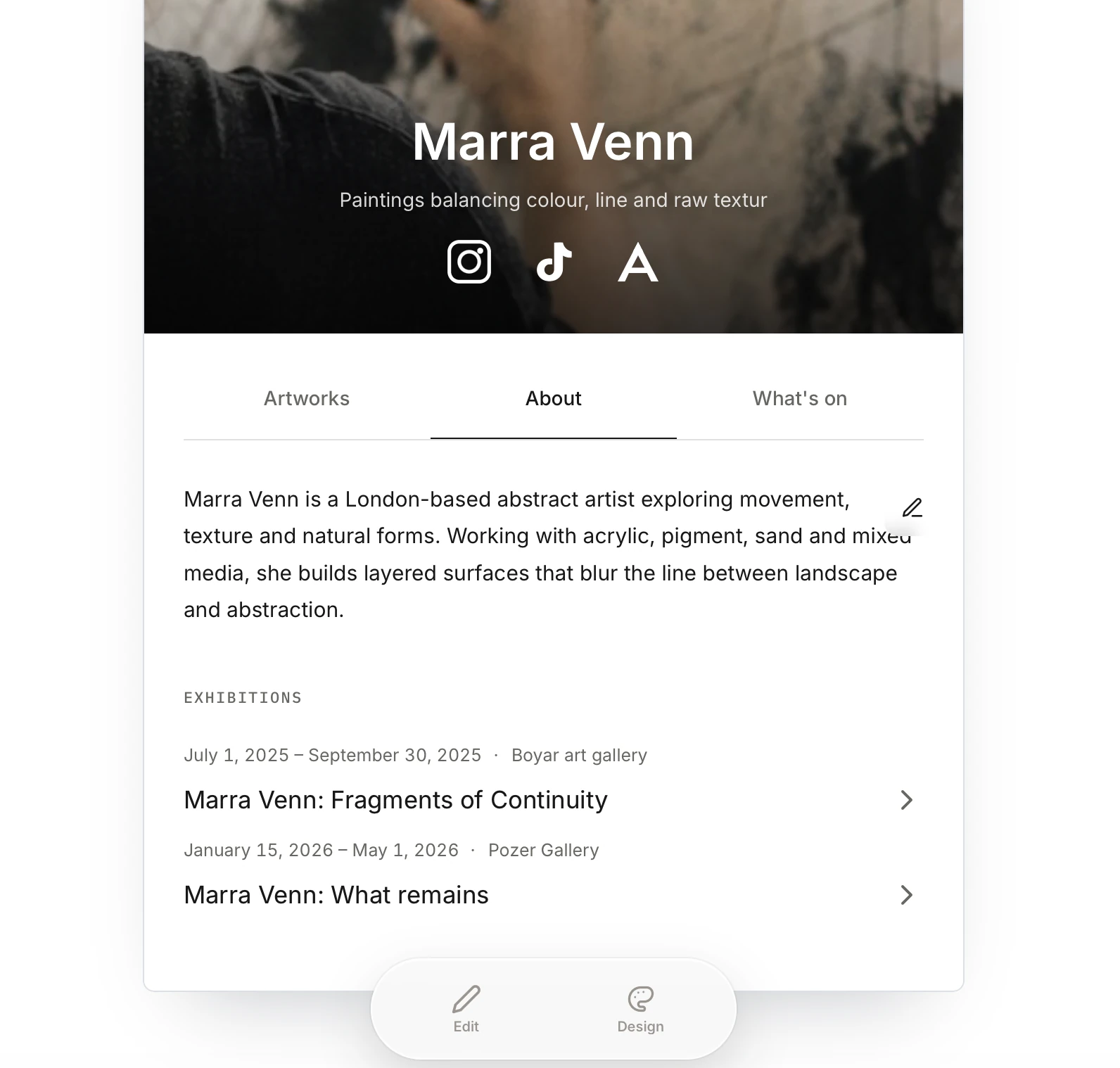
Use About and Highlights for the material around your art: a longer introduction, image galleries, exhibitions, achievements, press mentions or a YouTube video.
Add the links and updates that are useful to a visitor. For example, you might put a short biography in About and an upcoming exhibition in Highlights, alongside a link to your studio website.
Profile statistics and recent activity can sit alongside your own text and images.
Visitors can inquire about artworks marked for sale, giving an interested person a way to ask about a particular piece.
One profile, several ways to share
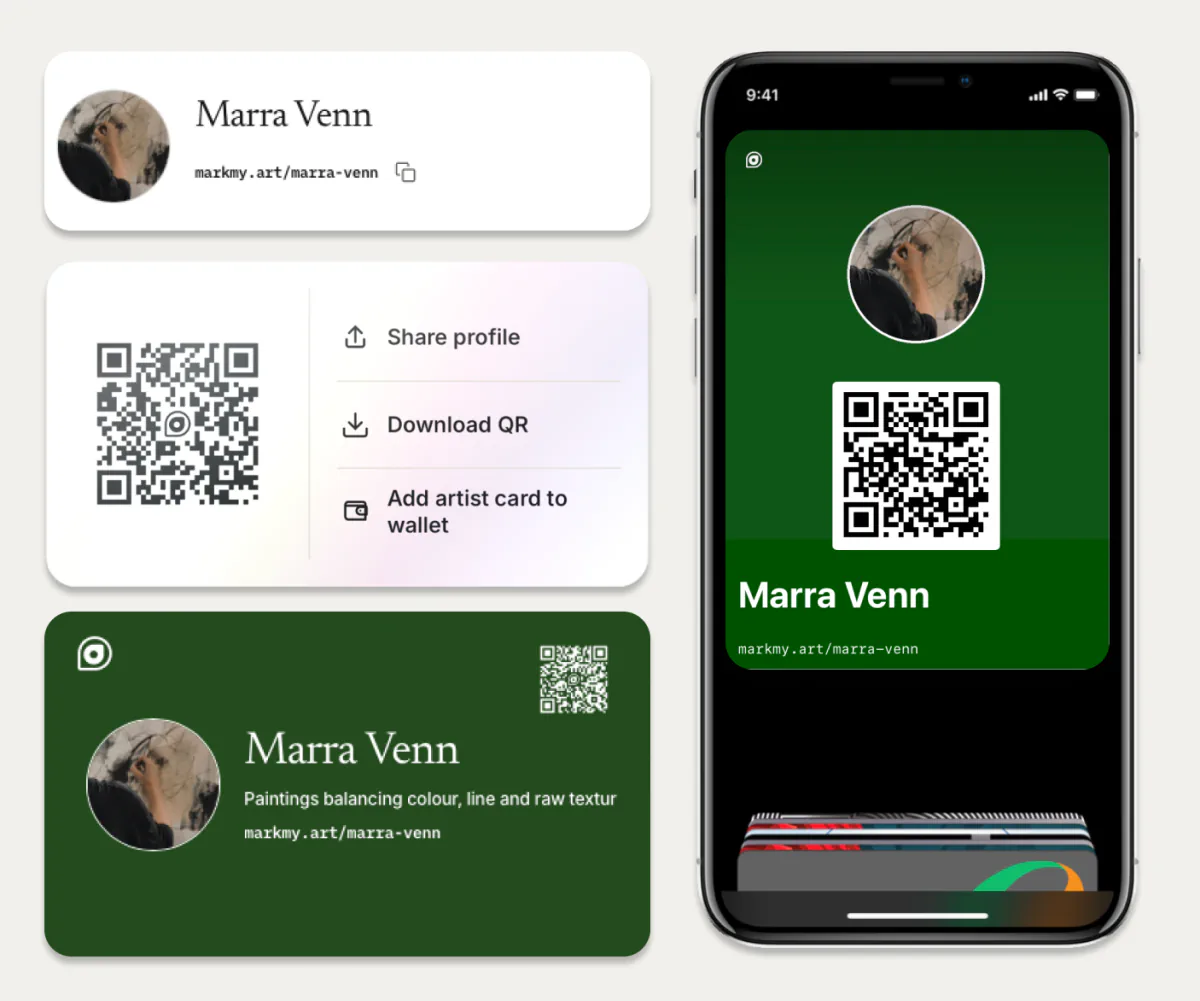
Share your artist page through its link, a downloadable QR code or an artist card you can save to your phone. Each route leads back to the same profile.
Send the link after a studio visit, display the QR code at an event, or show the card from your wallet when meeting a collector. They can find your artworks, biography and contact links on the same page.
Make your profile ready to share
Profile editing is available to approved artist accounts. Open your profile in the workspace, choose its customisation options, and begin with a few representative artworks and a clear introduction.