How to protect your art online, from AI training to image theft (without ruining it)
Copyright notices, watermarks that don’t spoil your images, AI-training opt-outs and private portfolios: what really protects your art online in 2026, and what doesn’t.
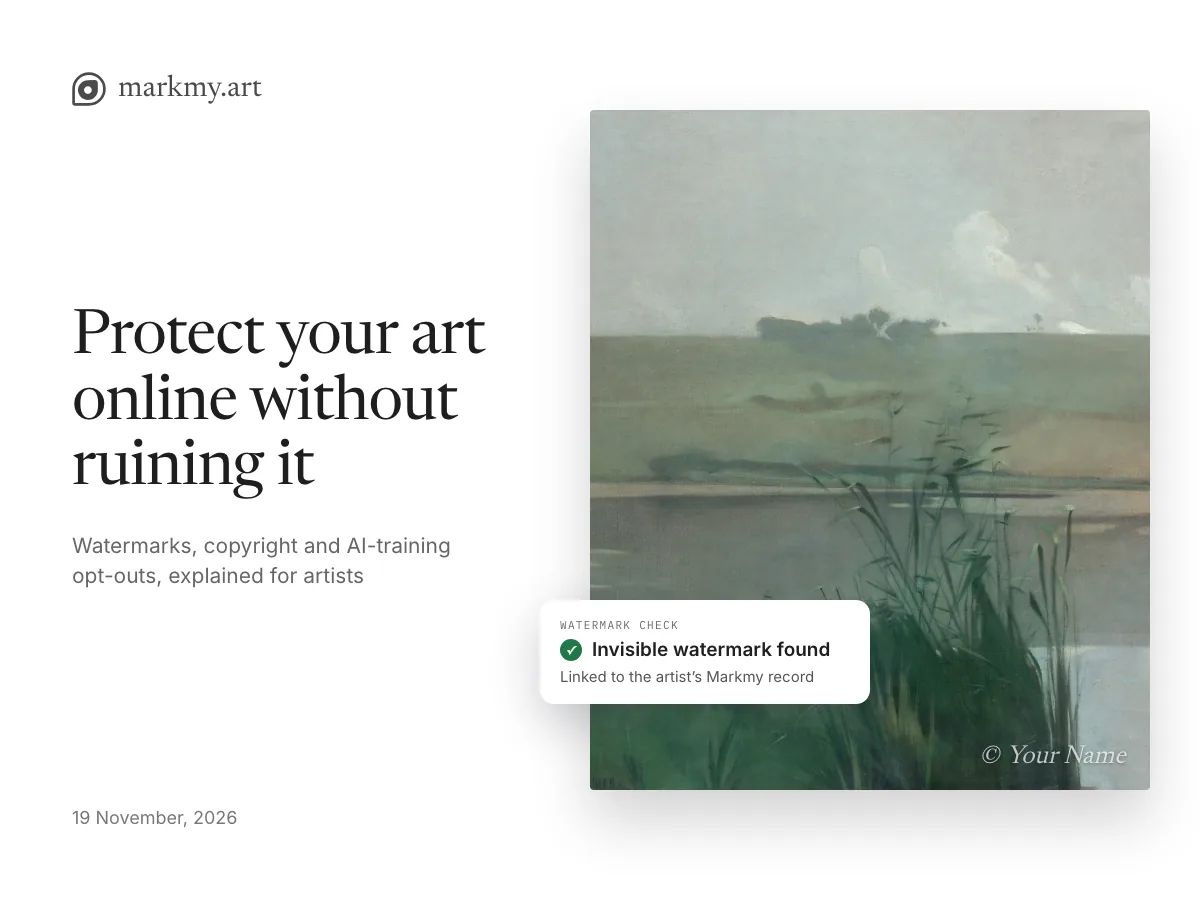
Once an image of your work is online, anyone can save it, screenshot it or feed it to an AI model. No setting, filter or watermark makes that impossible. What you can do is make every copy say who made it, make your terms clear, and decide who sees your work in the first place.
This guide covers the layers that work for painters, printmakers, illustrators and other artists who sell physical work: copyright notices, visible and invisible watermarks, AI-training opt-outs and private portfolios. For each one we say what it does and what it can’t do.
What can you protect your art from?
“Protecting your art” covers several different problems. Each layer helps with some of them and not others.
| Risk | What helps | What doesn’t |
|---|---|---|
| Someone reposts your image without credit | Visible watermark, invisible watermark, copyright notice | Hiding your profile from search |
| Someone sells prints or products made from your image | Invisible watermark as evidence, takedown requests, copyright registration (US) | AI opt-out signals |
| AI companies collect your images for training | AI-training opt-outs in files, pages and robots rules; keeping work private | Visible watermarks on their own |
| AI models imitate your style | Cloaking tools such as Glaze | Watermarks and opt-outs alone |
| Unreleased work is seen too early | Password-protected portfolio | Watermarks |
The realistic goal is proof, deterrence and a clear reservation of your rights. Treat any tool that promises to make your work “theft-proof” or “AI-proof” with suspicion.
Your art is already copyrighted: what a notice adds
In the UK, the EU, the US and the other 180-plus countries of the Berne Convention, you own the copyright in your work the moment you make it. You don’t need to register it or add a symbol for it to be protected.
A notice still helps. It tells people who owns the work and how to ask permission. In the US, a proper notice also stops an infringer claiming they didn’t know the work was protected, and registering with the US Copyright Office before or soon after an infringement opens the door to statutory damages and legal fees.
A copyright notice has three parts: the © symbol or the word “Copyright”, the year of first publication (or a range), and your name. Put it on your website footer or profile, in your image files’ metadata, and next to images where it doesn’t spoil the work.
© 2019–2026 Your Name. All artworks, images and text on this page are protected by copyright. All rights reserved. Reproduction, distribution or use, including for training artificial intelligence or text and data mining, requires the artist’s written permission.
Can you copyright your artist name?
No. Copyright protects creative works, not names, titles or short phrases. An artist name is protected as a trademark, and only once you trade under it: selling originals, prints or merchandise.
- ™ can be used with an unregistered name in the US and UK to show you treat it as your brand. In the UK it has no legal effect on its own.
- ® is only for registered trademarks, and only where they are registered. Using it falsely is an offence in the UK and can be unfair competition in the EU.
Most artists don’t need a registered trademark early on. It becomes worth considering when your name sells products, licences or editions that others could copy under your name.
How to watermark art without ruining it
Large, tiled watermarks deter casual reposting, but they also make your work harder to love. Many collectors skip watermarked images, and some marketplaces have dropped watermarks for that reason. AI tools can now remove a simple overlay in seconds, so a big mark costs you more than it protects.
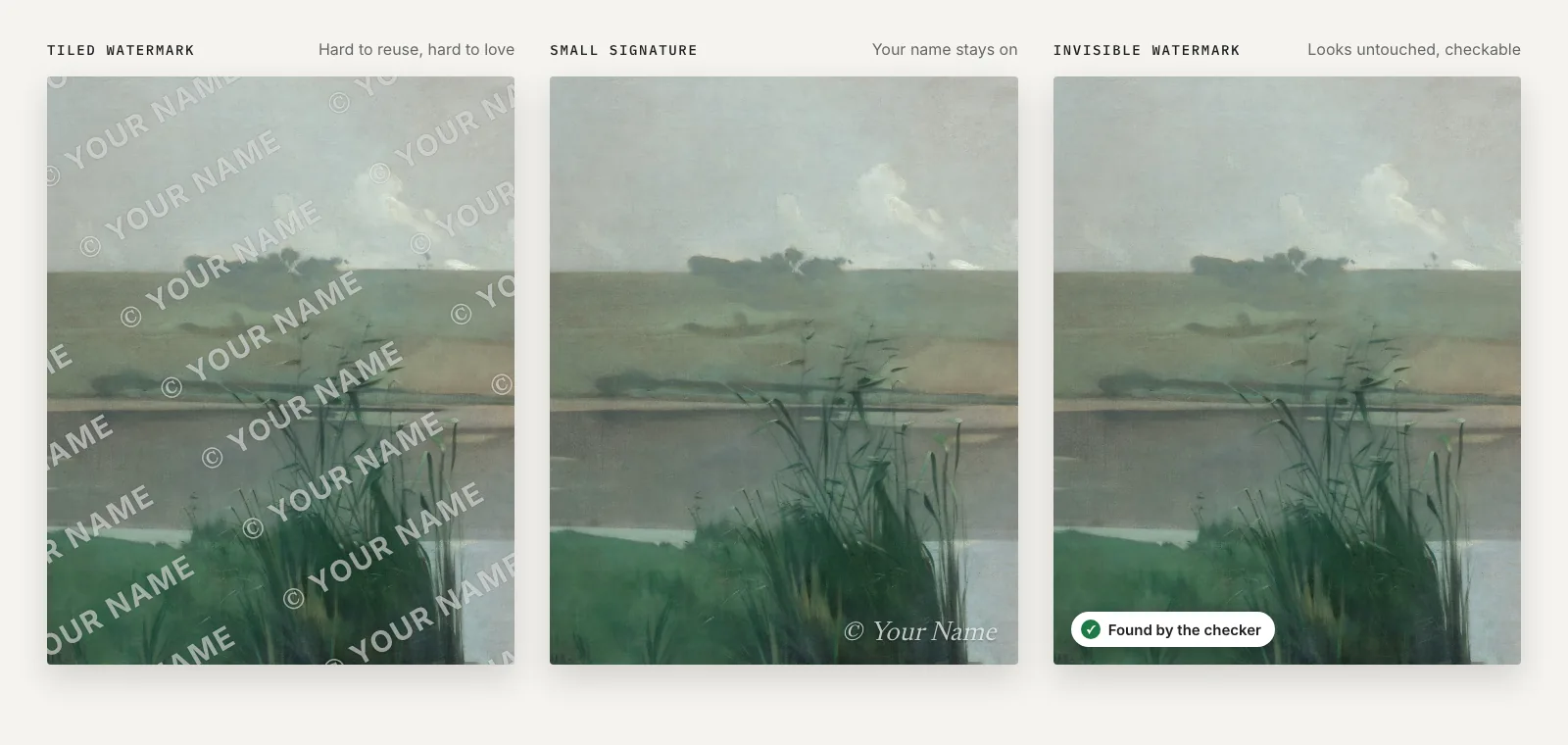
If you use a visible watermark, treat it like a signature:
- Keep it small: your name or handle at 3–5% of the image width.
- Place it near an edge but over part of the artwork, so cropping it out costs part of the image.
- Use 40–60% opacity and a colour that sits quietly on the work.
- Share images at web size (1,200–2,000 pixels on the long side) rather than full print resolution.
- Keep unmarked originals for buyers, galleries and print studios.
You can add a visible mark, an invisible one, or both in the free watermark tool. It runs on your image at its original size and doesn’t need an account.
Invisible watermarks: proof that travels with every copy
An invisible watermark hides a short code in the pixels of your image. You can’t see it, and it doesn’t change how the work looks. A checker can read the code back from a copy, even after it has been resized, recompressed or screenshotted, and match it to the record of who watermarked it and when.
Unlike a visible mark, there is nothing obvious to crop or paint out. Unlike metadata, it survives the platforms and screenshots that strip file information. It won’t stop anyone copying your image. It gives you evidence that a copy started with you.
We tested the invisible watermark Markmy uses on 81 public-domain artworks, put through the things that really happen to images online:
| What happened to the image | Watermark found |
|---|---|
| Everyday sharing: Instagram, WhatsApp, X and other re-encodes, thumbnails, phone and desktop screenshots, crops of screenshots | 99% |
| Common edits: crops, mirroring, filters, captions, borders, stickers, collages | 97% |
| Hard cases: photos of a screen, print and scan, heavy degradation, rotation | 86% |
| Real browser screenshots of watermarked pages | 240 of 240 |
| Unmarked images wrongly matched to an artist | None |
Invisible watermarks have limits too. Very small copies (under about 200 pixels) carry too little of the code to read. Tight crops of a corner, inverted colours and very wide or tall formats are weaker. Watermarking an image a second time with the same method replaces the first code, and we haven’t yet tested images regenerated by AI.
Found a copy of your work? Upload it to the watermark checker to see whether it carries a Markmy watermark, when it was added, and which artist it belongs to.
How to opt out of AI training
You can’t technically stop a determined scraper, and nothing removes your work from models that are already trained. What you can do is state, in the formats AI companies and the law recognise, that you don’t allow your work to be used for training. Use several signals together, because each covers a different gap.
| Signal | Where it lives | What it does | Limits |
|---|---|---|---|
| robots.txt rules for AI crawlers (GPTBot, ClaudeBot, Google-Extended, CCBot and others) | Your website | Asks AI-training crawlers not to collect your pages. Major AI companies say their crawlers follow it. | Voluntary; only affects future crawls; only works on a site you control |
| IPTC “Data Mining” property set to prohibit AI/ML training | Inside each image file | A standard, machine-readable reservation that travels with the file | Removed by most social platforms and by screenshots |
| TDMRep (text and data mining reservation) | Website headers or a file on the site | A general machine-readable reservation, designed for EU law | Little crawler support so far |
| noai / noimageai tags | Web page code | Signals that images shouldn’t be used for AI | Not a standard; no major AI company has committed to honour it |
| A written rights statement | Your profile or website | States your terms in plain words for people and courts | Not machine-readable on its own |
| Platform opt-outs (for example, Meta’s objection form in the EU and UK) | Each platform’s settings | Asks that platform not to train on your public posts | Has to be done per platform; availability varies by country |
In the EU, the law lets rights holders reserve their work from commercial text and data mining “by machine-readable means”, and the AI Act requires general-purpose AI providers to respect those reservations. Courts are still deciding which signals count, which is another reason to use several. In the US there is no opt-out in law; training is judged case by case under fair use.
Glaze and Nightshade work differently: they add changes to your image designed to disrupt AI models that learn from it, mainly to resist style mimicry. They tackle a different problem from watermarks and opt-outs, and some artists use both. Researchers have shown ways to weaken these protections, and some artists find the visual changes too strong for finished work.
Choose who can see your portfolio
Not every piece needs to be public. Many artists share new collections with galleries, curators and regular collectors before a release, or keep commission previews private.
- Public and findable in search: best for being discovered by new buyers.
- Public, hidden from search: anyone with the link can see it, but search engines are asked not to list it. Already-indexed pages drop out as search engines recrawl.
- Password-protected: only people you give the password to can open your pages. Visitors can still screenshot what they see or pass the password on, so pair it with watermarks.
What to do if someone copies your art
- Save evidence first: screenshots with the URL and date, and the image file itself.
- Check the copy in the watermark checker and keep the result.
- Search for other copies with Google Lens or TinEye.
- Ask the person to credit you or take it down, if it seems like a mistake.
- Report it to the platform or host. Most have a copyright form; in the US this is a DMCA takedown notice.
- If someone is selling your work, talk to an IP lawyer about your options.
How Markmy protects your art automatically
On Markmy, artwork photos on your profile, shop and certificates are protected by default, and you control the rest from one place: Settings → Protect your art.
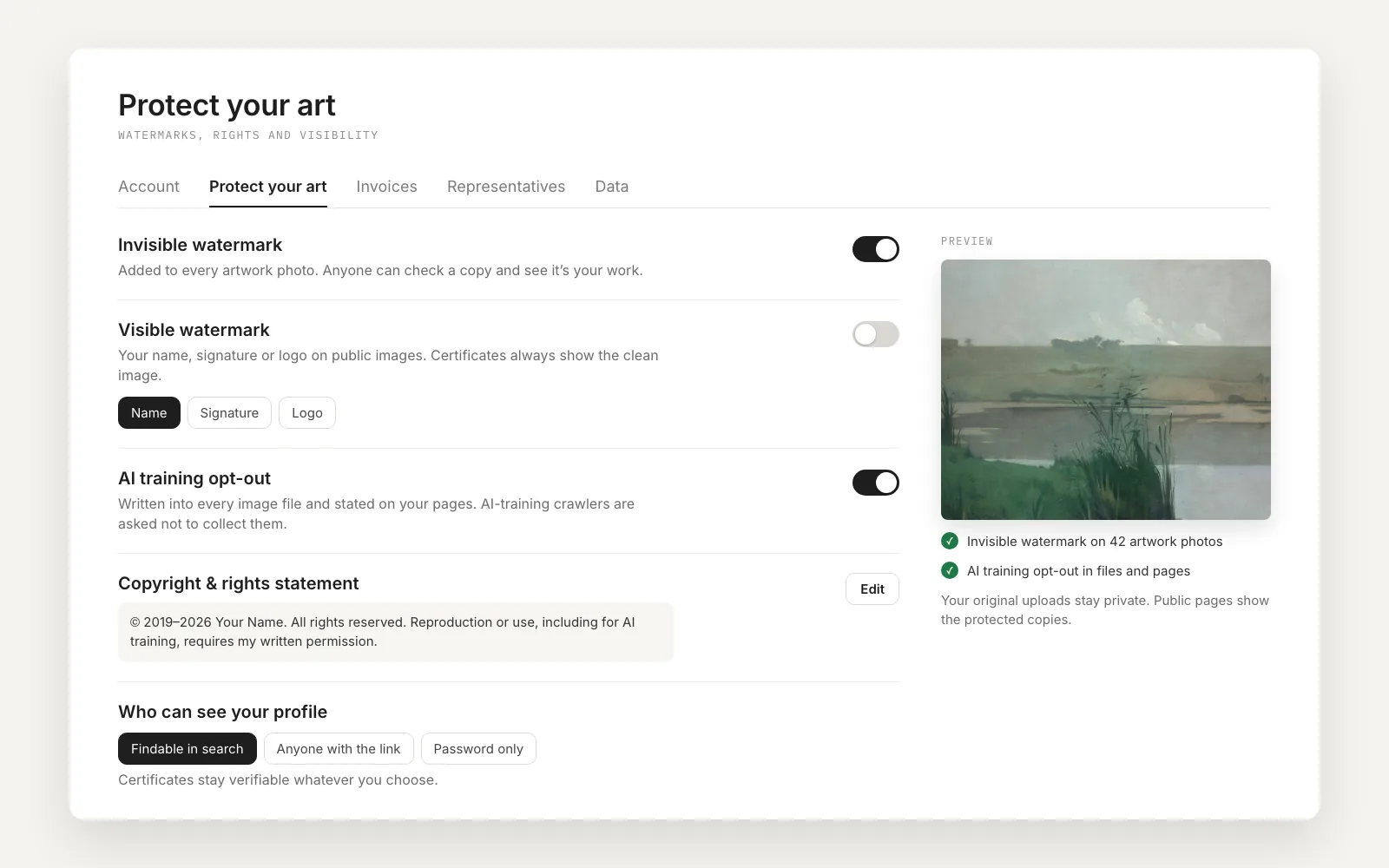
- Invisible watermark, on by default. Every artwork photo carries a code linked to your verified artist record and the artwork itself. Anyone can check a copy and see whose work it is, and which work.
- Visible watermark, if you want one. Your name, signature or logo, with a live preview on your own work. Certificates always show the clean image to collectors.
- AI training opt-out. Written into every image file, stated on your pages, and backed by rules asking AI-training crawlers not to collect artist pages.
- Copyright and rights statement. Your notice on your profile and in your files, with an optional ™ after your artist name.
- Who can see your profile. Findable in search, link only, or password only. Certificates stay verifiable whatever you choose.
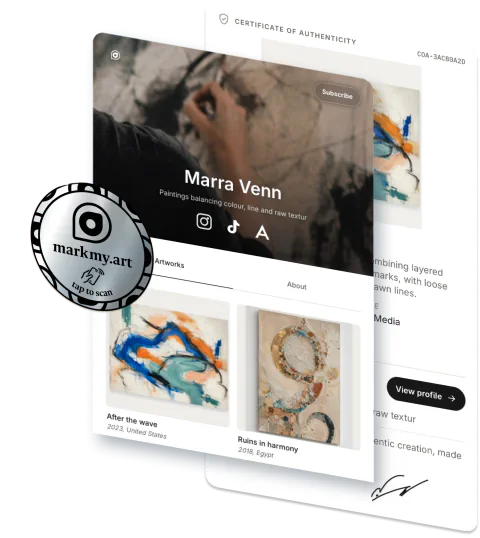
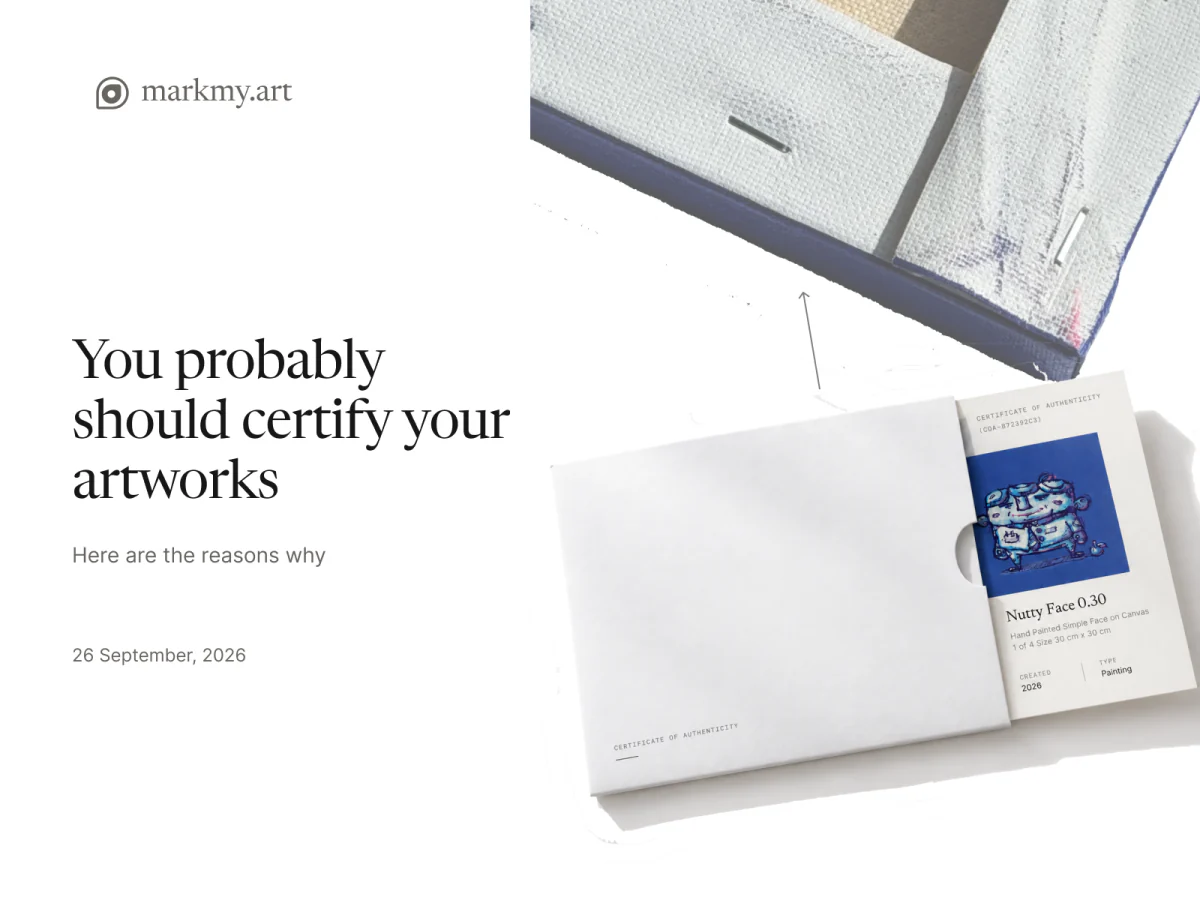
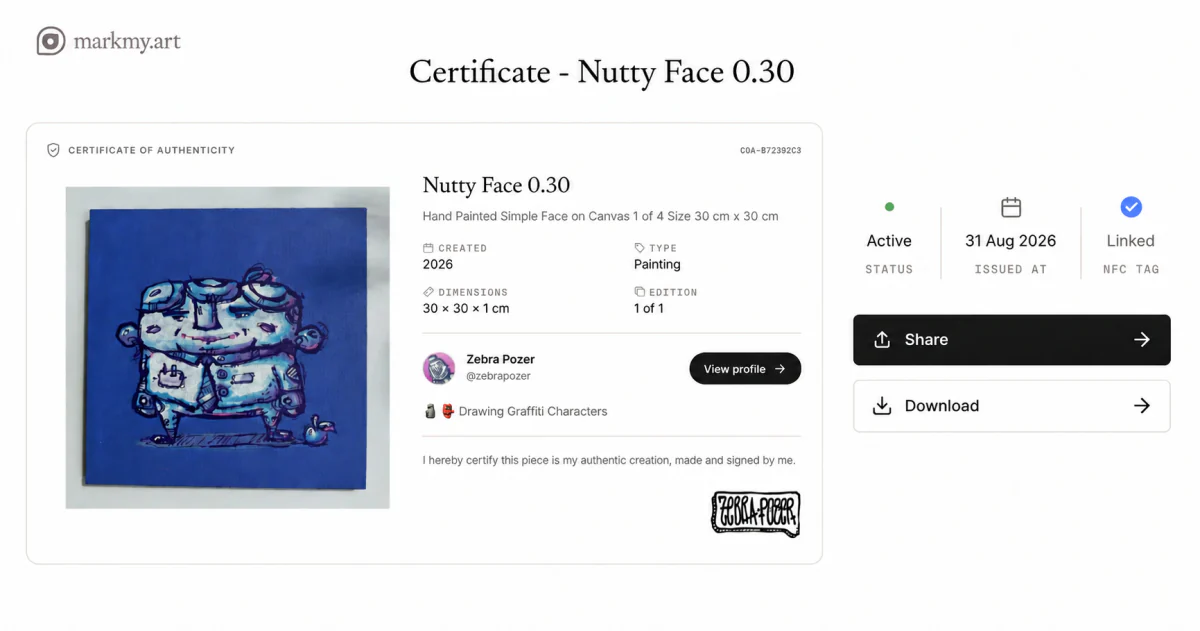
Markmy never changes your original uploads: your public pages show protected copies instead. Together with certificates of authenticity for the physical work, every image and every piece leads back to you.
Questions artists ask
Do watermarks stop art theft? No. Visible marks discourage casual reposting and invisible ones give you proof, but neither stops a determined copier.
Can AI remove watermarks? Simple visible overlays, yes, often in seconds. Invisible watermarks are harder to find and remove, though heavy edits can still damage them.
Is my art automatically copyrighted? Yes, in Berne Convention countries, from the moment you create it. Registration is optional, but in the US it matters if you want statutory damages.
Where should I put the copyright symbol on my artwork? On your website or profile footer, in the image metadata, and, if you like, small near the edge of shared images. On physical work, the back or the certificate is enough.
Does opting out remove my art from AI models? No. Opt-outs only apply to future collection. They don’t affect models already trained.
Should I use Glaze or a watermark? They do different jobs. Glaze aims to disrupt style mimicry; watermarks identify your work and its source. Some artists use both.
Sources & further reading
- WIPO — Copyright FAQ (automatic protection)
- US Copyright Office — Circular 33: works not protected (names, titles, short phrases)
- US Copyright Office — Title 17, chapter 4: notice and registration
- IPTC — Excluding images from generative AI with the Data Mining property
- W3C Community Group — TDM Reservation Protocol (TDMRep)
- European Commission — AI and copyright compliance consultation
- MIT Technology Review — Glaze and Nightshade, and their limits
- University of Cambridge — AI art protection tools still leave creators at risk