How to create a certificate of authenticity for artwork with Markmy
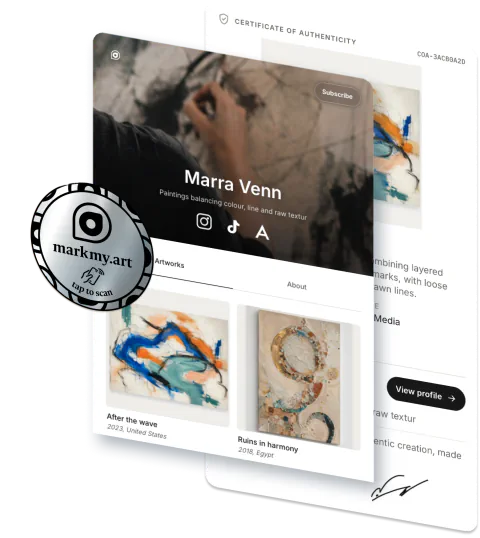
Create a free certificate of authenticity for your artwork in Markmy. Add the work, check the certificate, then share its link or download the PDF.
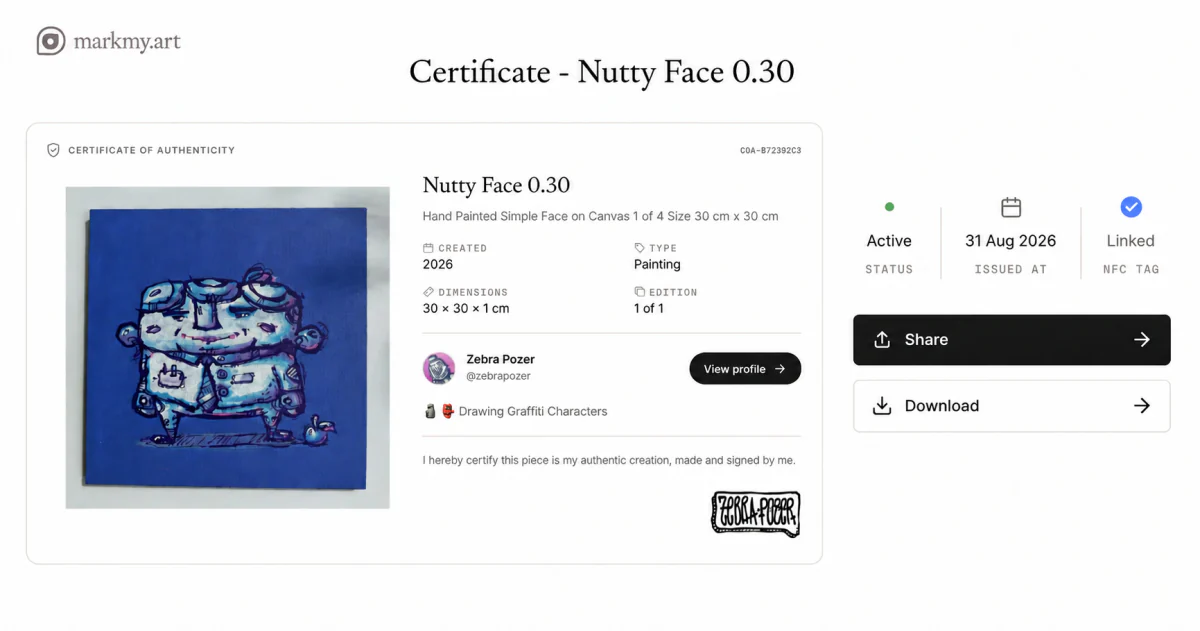
To create a free certificate for your own painting, drawing, or sculpture, you need a Markmy account, a clear photograph, and the finished work’s details.
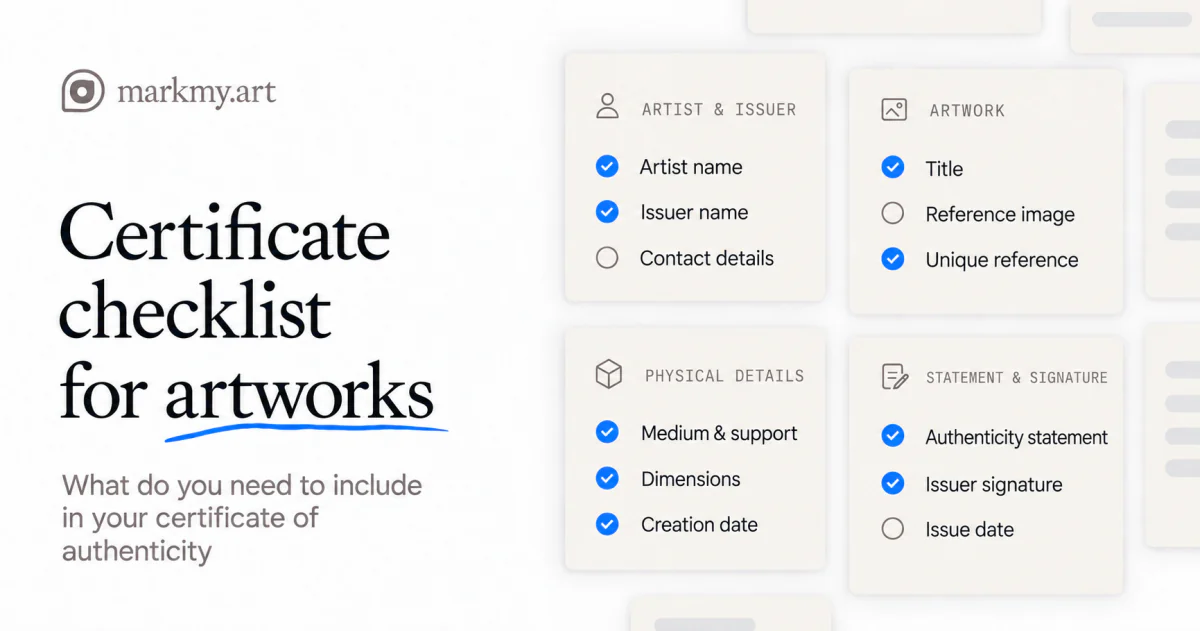
Gather the information in the artwork certificate checklist before you begin. For an edition, follow the print walkthrough.
1. Set up your artist details
Create an account or sign in. Add your artist name, profile details, and signature during profile setup. Use the name collectors should see on the certificate.
You can draw, type, or upload a signature. In certificate settings, check that Show signature on certificates is enabled if you want it displayed.
Markmy uses your saved name and signature for each work.
2. Add your artwork
- Open Artworks and choose Add artwork.
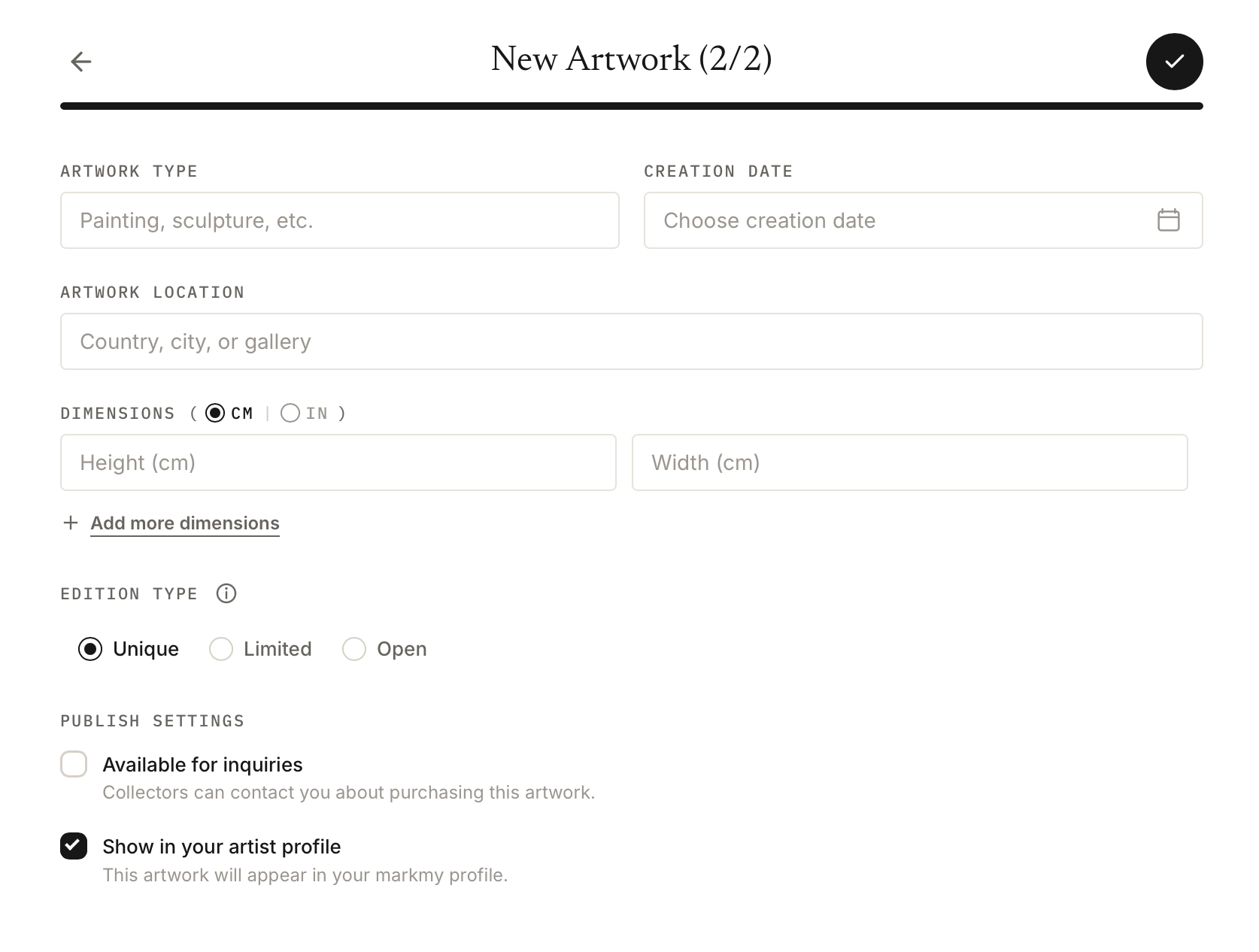
- Upload a clear image of the finished piece. Add its title, description, type, creation date, and dimensions.
- Choose Unique under Edition type for a one-off work.
- Save the artwork.
If your artworks are already listed online, you can import candidates from Shopify, Big Cartel, Wix, Squarespace, Etsy, or Artsy instead of adding them one by one. Review the images and details before confirming the import.
For a unique artwork without multiple size options, Markmy creates an active certificate when you save. Leave dimensions blank if you do not know them.
Use the description for facts that help identify the work, such as its materials and surface. “Oil on linen” tells the collector more than “original artwork”.
3. Review, share, and download
Open the artwork’s Artwork certificate section to see the certificate and its status.
- Check the title, image, artist name, date, and dimensions against the physical work.
- Read the authenticity statement. It should describe what you, as the artist, can confirm.
- Use Edit certificate to correct the certificate or add public Details, such as materials, finish, or care instructions. Choose Save changes when you are done.
- Choose Share to send the public certificate link, or copy it when your browser has no share menu.
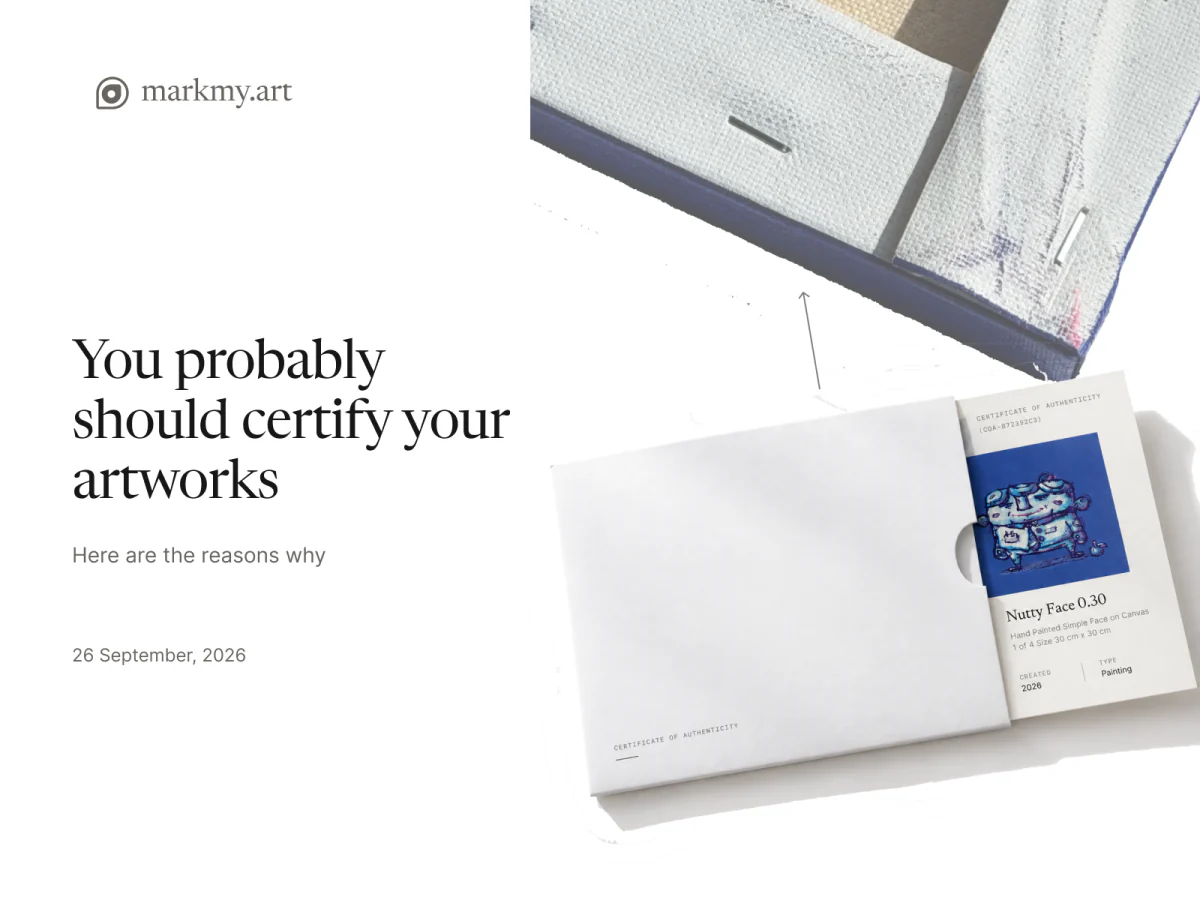
- Choose Download to save the PDF. You can print it to include with the work.
Open the shared link before sending it to the collector. Check that it shows the right work and that the text is readable.
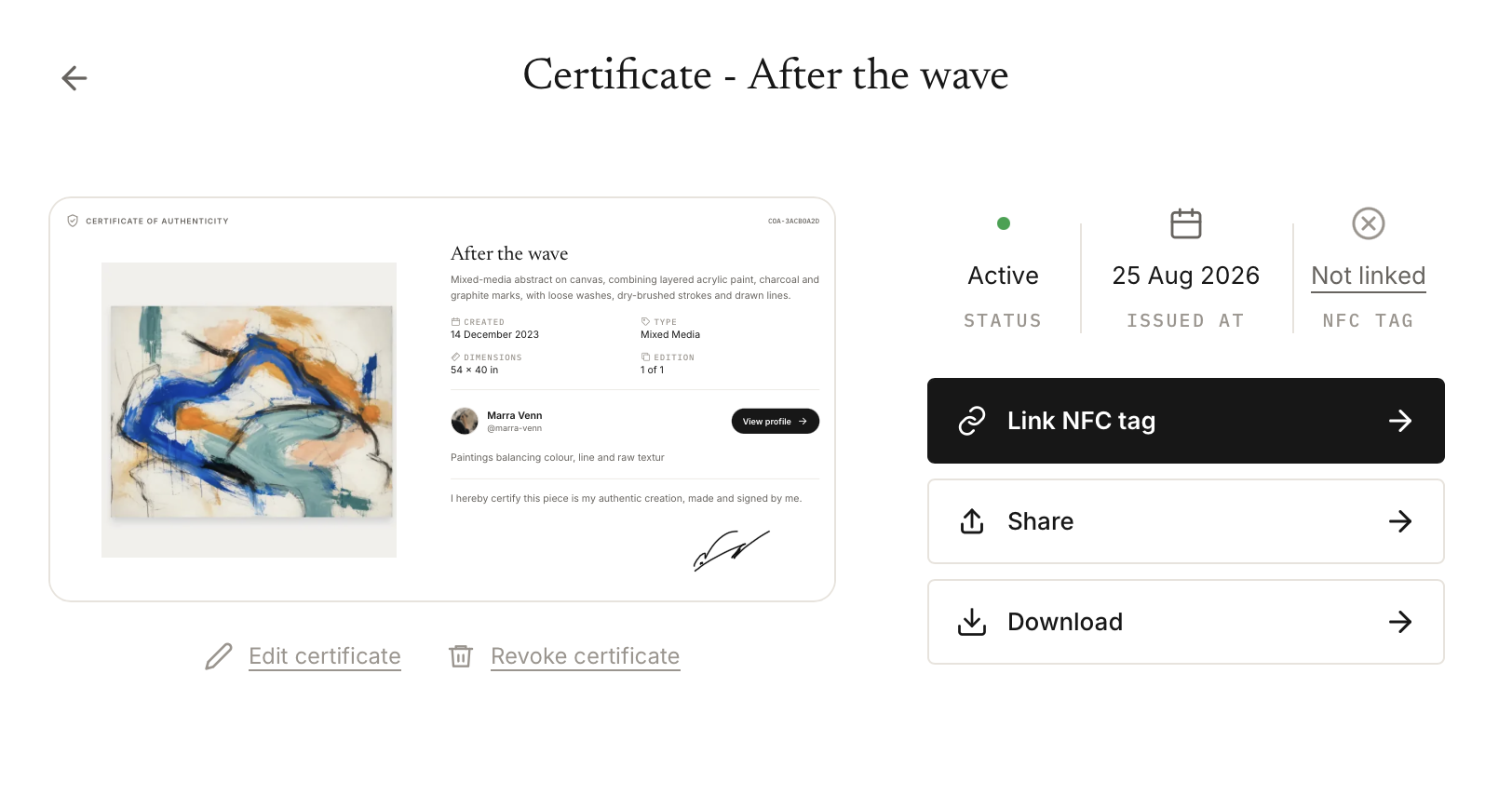
Optional: add an NFC tag
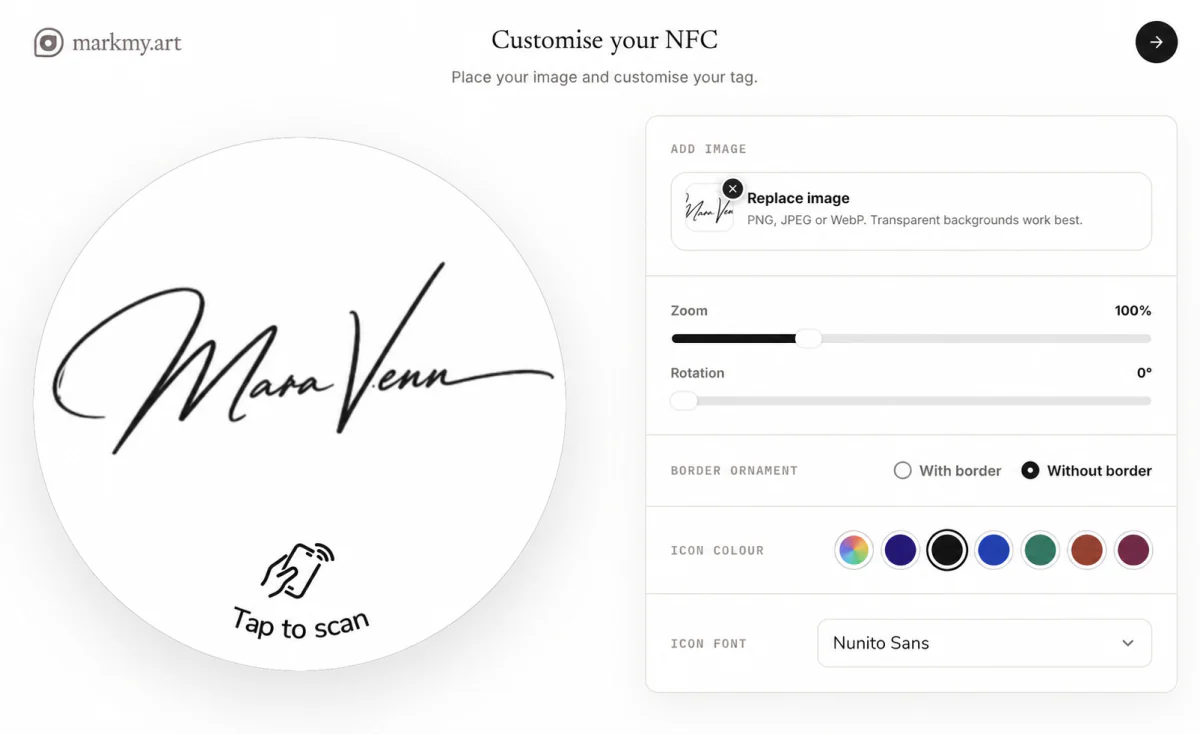
An NFC tag gives the collector a way to open the same certificate from the physical work. The digital certificate and PDF work without one.
Read what NFC adds and follow the NFC setup guide.