Custom NFC stickers with your own design
Put your signature, logo or artwork on a holographic NFC sticker, preview the design, and order tags to link to your certificates.
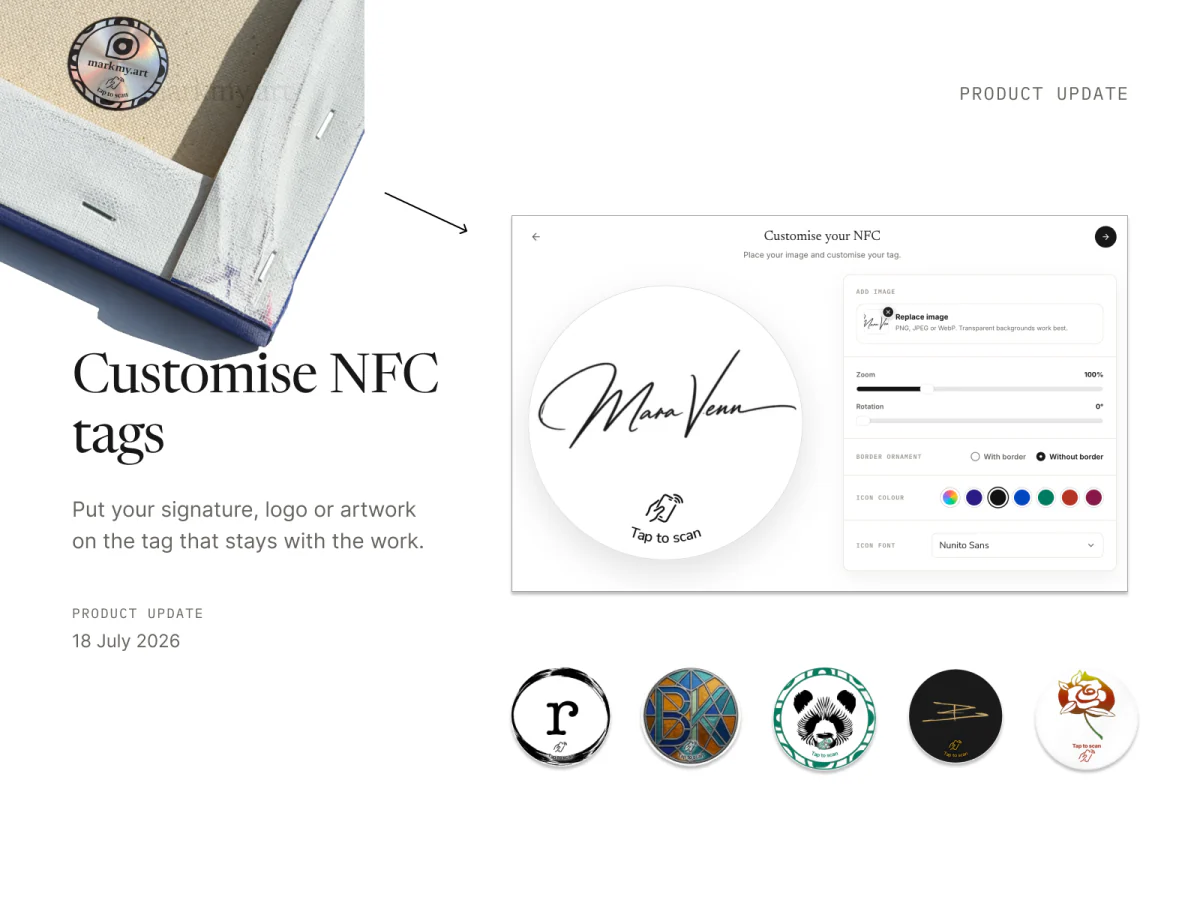
Custom NFC stickers arrived on 18 July 2026. The release brought design upload, an on-screen preview and ordering into Markmy, so artists could put their own mark on the tag that stays with a work.
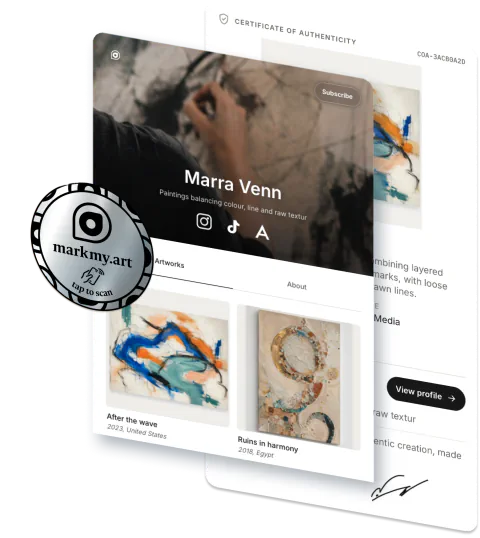
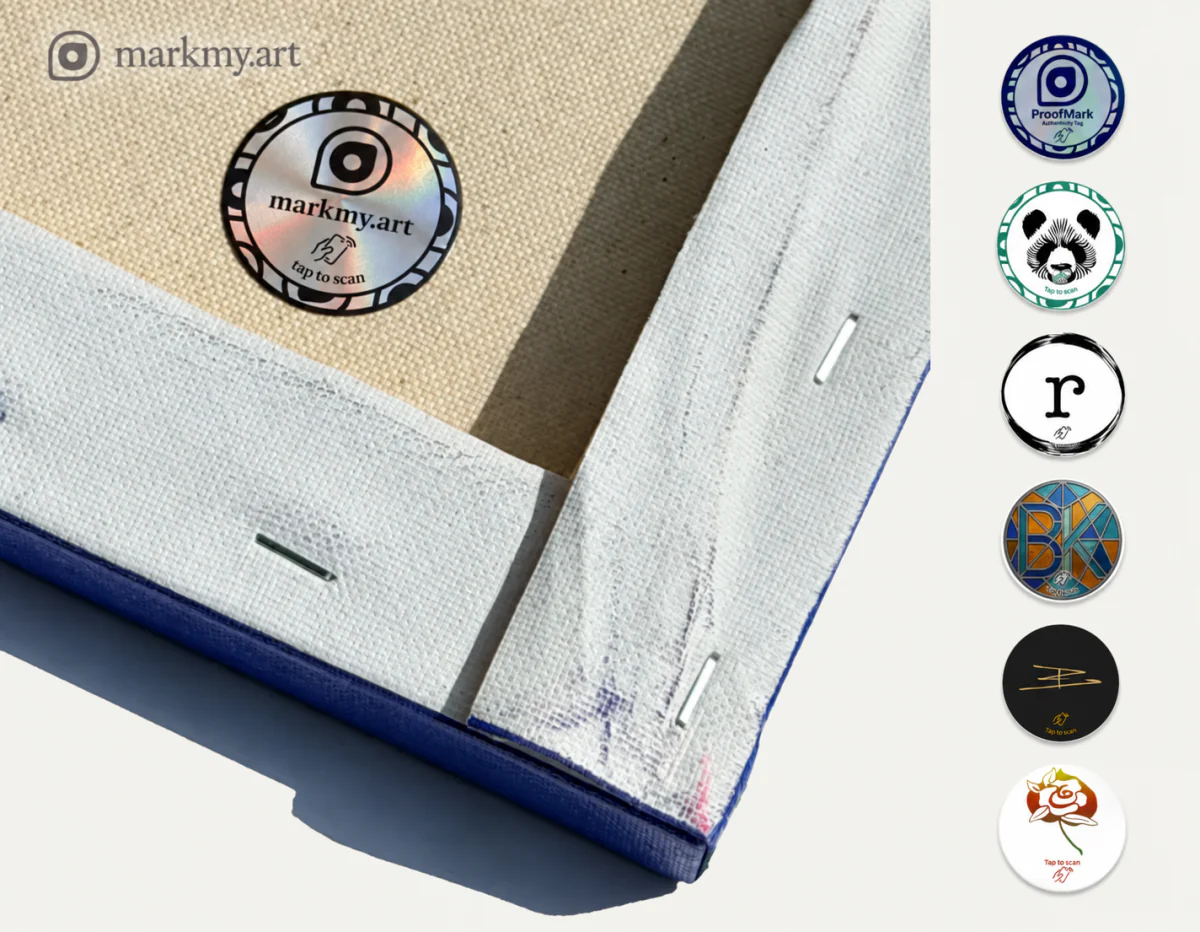
Use a signature, a studio logo or an image from your artwork. The printed design gives the tag its appearance; linking it to a certificate gives a collector somewhere to go when they tap it.
Start with your own image
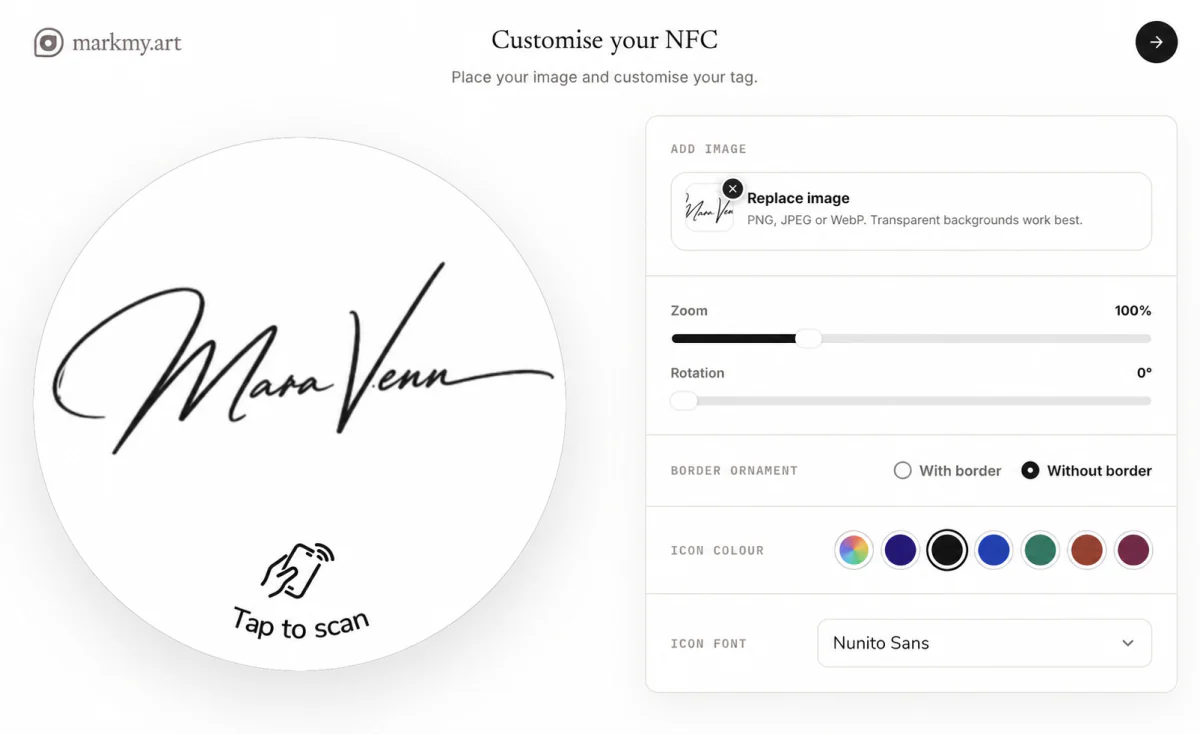
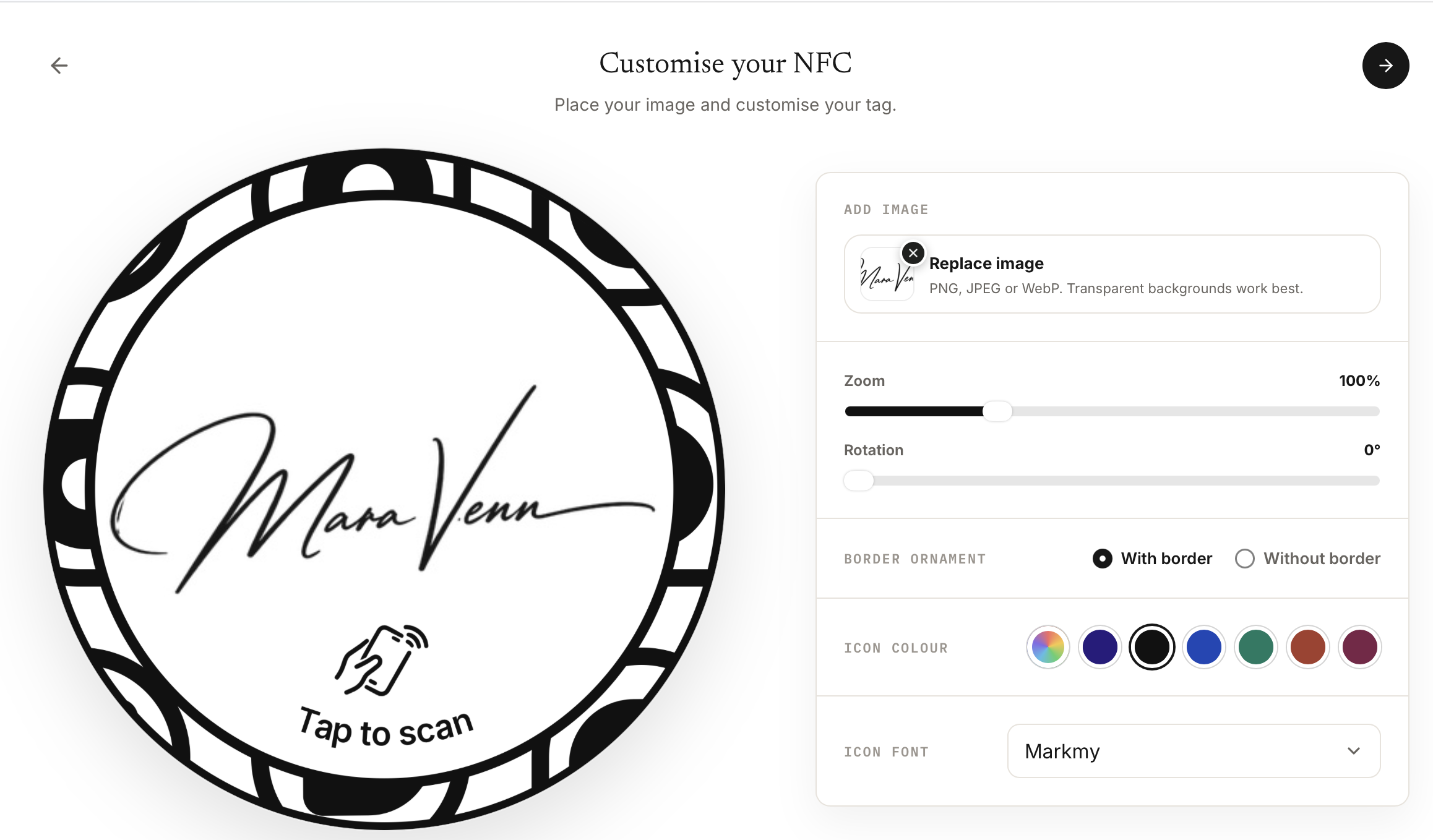
Upload a PNG, JPEG or WebP and place it inside the circular tag preview. Move the image, change its scale and rotate it until the part you want is clearly visible.
A transparent background works well for signatures and logos. Check small lettering and fine lines in the preview, and keep the important parts of your image inside the printable area.
Choose the finish around your design
The first release included a choice of border or no border, plus colour controls for the surrounding design. You can see those choices together with your uploaded image before placing an order.
The editor has since gained font choices for the scan prompt and more room for image placement. These controls let you use a quiet signature treatment or a more prominent image while keeping the tap-to-scan cue visible.
Review the design, then choose a quantity
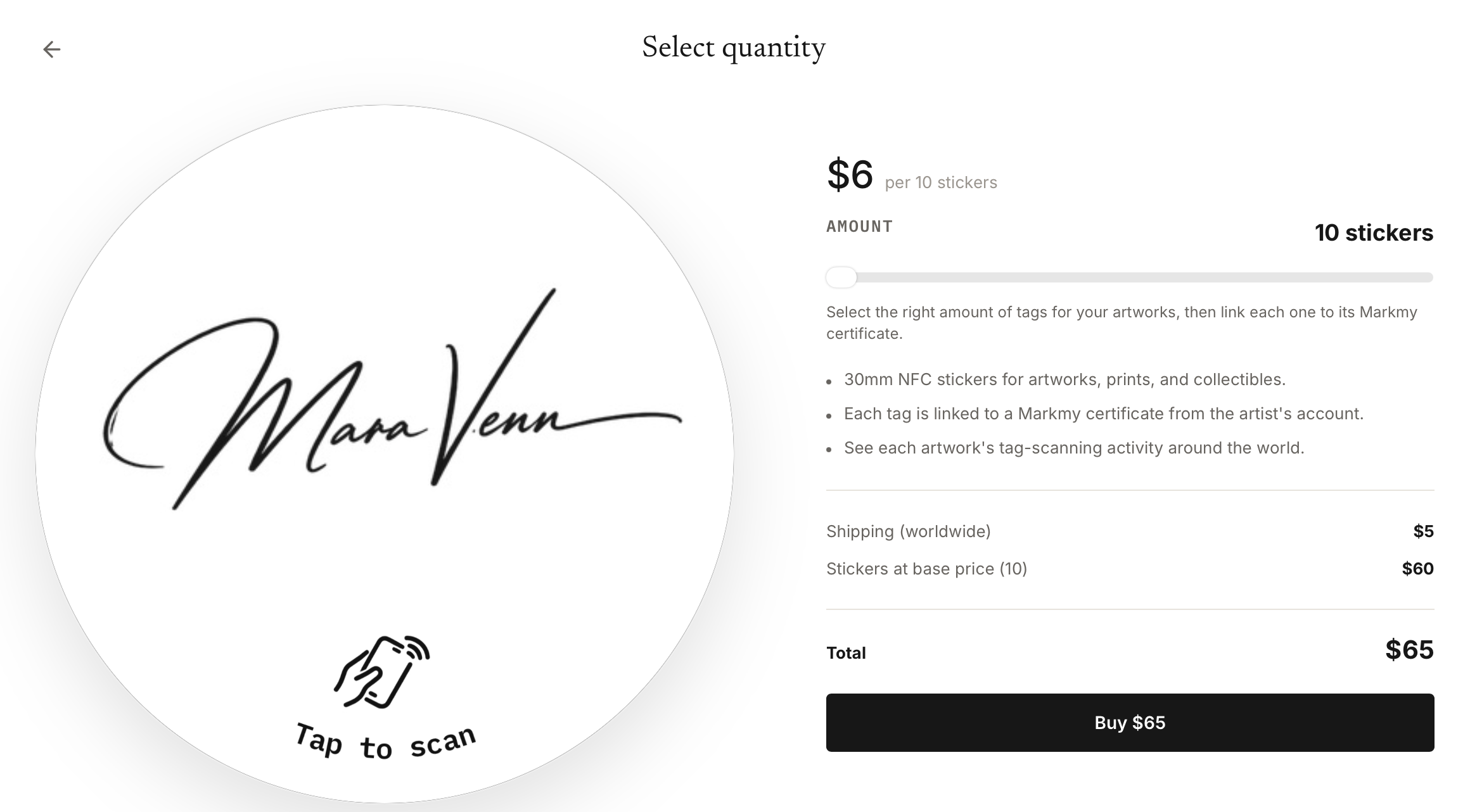
Once the preview is ready, continue to the quantity step. Orders start at ten stickers, in steps of ten. The current price and shipping charge are shown before checkout.
Review the final design before paying: the order keeps the version prepared for production. Each sticker in that order uses the same printed design, so choose an image you want to use across the batch.
Link each tag to the right work
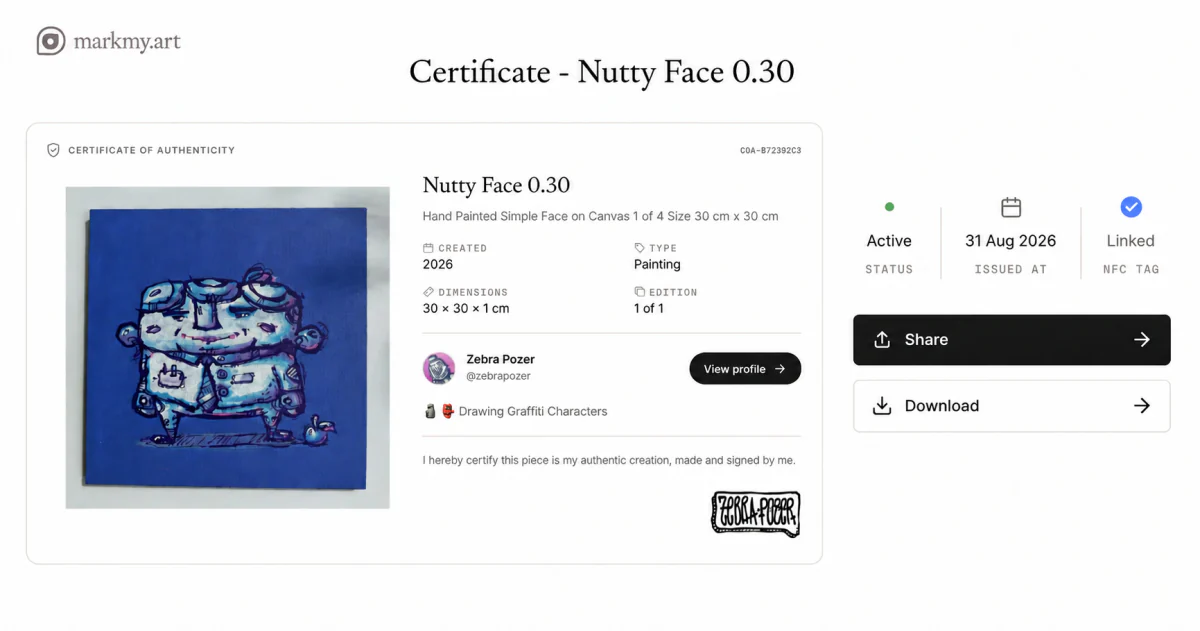
The stickers in an order share a printed design. You can link each unused Markmy tag to the active certificate for a different artwork or individual print.
For an edition, select the exact copy before linking. Check the certificate's code, number where applicable, and dimensions; then tap the tag again to confirm the public page. The link is permanent, so complete one tag and certificate at a time.
Give your next batch a consistent studio mark
Open Custom NFC stickers in the shop, upload your image and work through the preview. You can prepare the printed design before deciding which artwork each physical tag will accompany.